How to Create Social Media Posts with AI: Six Steps from Idea to Publish
A good AI post starts with a good brief, not a clever prompt. Six steps from idea to publish, a 12-point pre-publish check and the batch method that produces a month in one sitting.
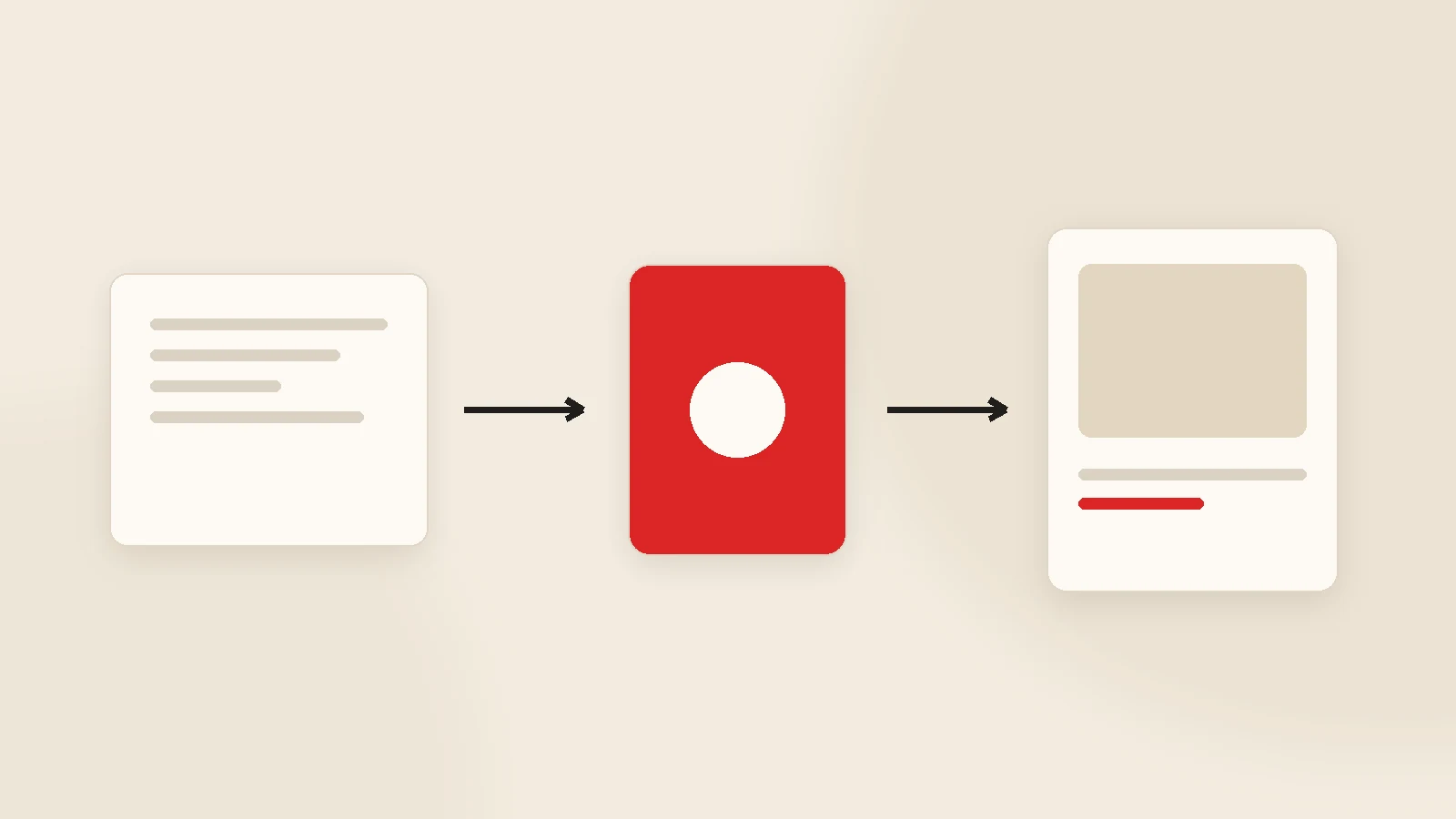
Creating posts with AI is six steps: brief → topic → copy → visual → quality check → schedule and publish. What decides quality is not a clever prompt but a brief that describes your brand and your product. Produce in batches rather than one at a time: generating a month in one sitting improves consistency and kills the daily "what should we post today" question. Before publishing, verify every line that mentions price, campaign terms or technical detail.
Ask an AI tool to "write me an Instagram post" and what comes back is usually unusable: generic sentences, inflated claims, a voice that is not yours. Give the same tool proper information about your business and it produces something close to publishable.
The difference is the input, not the tool. This guide walks through how a post is built from idea to publish, what belongs in a good brief, what changes by format, and the checks that must happen before anything goes out.
Step 1 — The brief: where quality is decided
An AI output cannot be better than the information it was given. Without brand input you get text anyone could publish; with it you get something that sounds like you. A good brief contains:
- What you sell. Product or service, what makes it different, price bracket.
- Who buys it. Audience, location, what they weigh up before deciding.
- Tone. Warm or formal, first person or corporate, humour or none.
- Bans. Words you never use and promises you never make ("guaranteed", "the best", "certain results").
- Visual rules. Colours, logo usage, typeface, photography style.
- Examples. Three to five posts you like. This is the single fastest-acting item on the list.
Define it once and reuse it for every generation. The full method is in a brand voice guide for AI content.
Step 2 — Topic: rotate five buckets
| Bucket | Purpose | Example |
|---|---|---|
| Educational | Be useful, get saved | "What to look for when buying this" |
| Product | Sell | New item, a standout feature |
| Social proof | Build trust | Completed job, customer feedback |
| Behind the scenes | Build closeness | Production, team, process |
| Q&A | Drive engagement | Answering a frequent question |
Accounts get boring when every post has the same purpose. Rotating buckets fixes that faster than any change of wording.
Step 3 — Copy
The structure is nearly identical across formats: the first line earns attention, the body carries one idea, the last line says what to do.
- First line: a question, a number, a contrarian statement or a concrete situation. Ban "Hello everyone, today we are going to..."
- Body: one idea. Two ideas mean two posts.
- Close: a clear action — comment, DM, link in bio, visit the shop.
- Hashtags and emoji: set rules, otherwise every post drifts into a different style.
Practical tip: ask for three alternative opening lines and choose one. It is the single line that most affects how a post performs.
Step 4 — Visual or video
- Brand template: fixed colours and type, variable content. The fastest and most consistent route.
- AI-generated imagery: product scenes, backgrounds, abstract compositions. Covered in AI image generation for brands.
- Real photography and video: your product, your team, the work itself. Nothing generated replaces it, and a handful a month changes the tone of the whole account.
Step 5 — The 12-point check
- Are price, campaign terms and stock correct?
- Are specifications and measurements correct?
- Any inflated claim ("the best", "100% guaranteed")?
- Any health, legal or financial claim?
- Does it match the brand tone?
- Does the first line actually earn attention?
- Spelling and punctuation?
- Logo, colours and typeface correct in the visual?
- Is on-image text readable on a phone?
- Any third-party photo or music used?
- Do tagged accounts and links work?
- Is the timing appropriate?
Step 6 — Batch production and scheduling
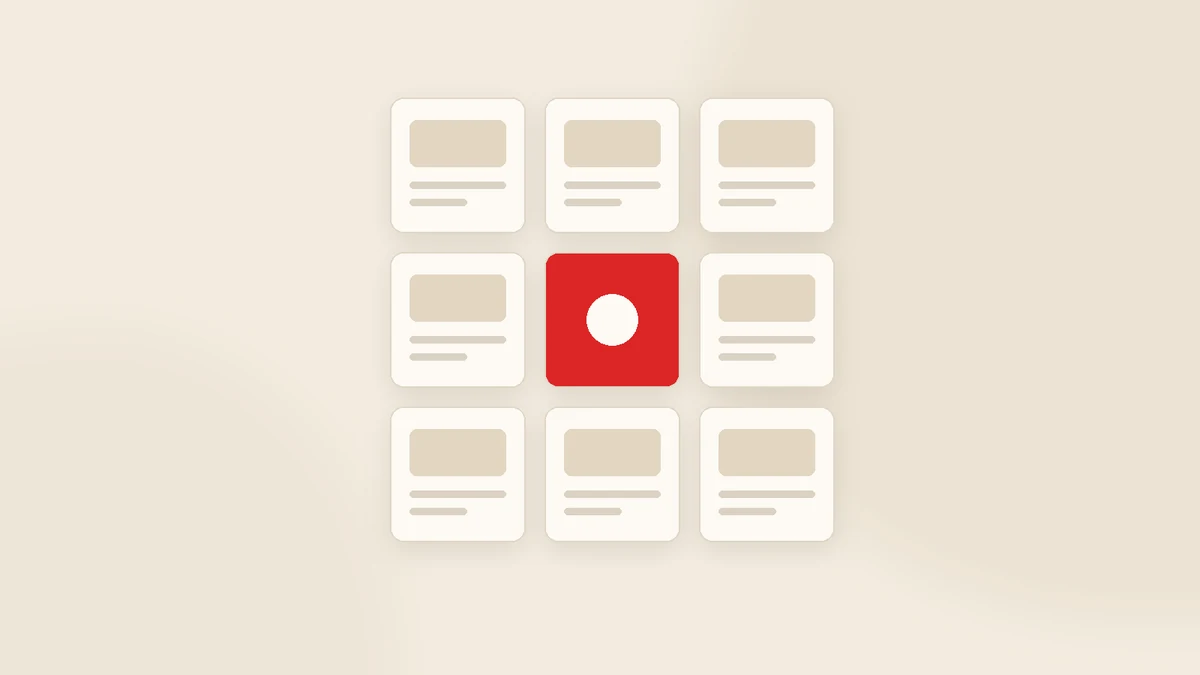
Producing one post at a time is tiring and gets postponed. Generate the whole month in one sitting: topics distributed, copy and visuals produced, everything visible on a single plan screen. Anything you dislike gets regenerated, rescheduled or dropped.
Two benefits follow: the daily decision disappears, and the grid — which is what people actually see — stays coherent. The calendar method is in the AI content calendar workflow.
We build this with our own software: Postuby
Postuby is Gurizon's own AI-powered social media platform. It runs all six steps on one screen: it generates copy and visual together from your brand profile, prepares carousels and short-form video, places posts into the monthly plan, and publishes to Instagram, Facebook, TikTok, LinkedIn, X and YouTube at the scheduled time once approved.
The plan screen supports bulk actions — regenerate copy, change format, shift dates, approve in one go. See content generation for the production side. If you would rather we produced the content, that service runs on the same platform.
Conclusion
Creating posts with AI is not typing "write me a post" and copying the result. It is describing your brand once and then scaling production against that description. Spend an hour on the brief and you collect the return on every post after it — and never skip the one-minute accuracy check before publishing.
Want to see a sample month for your brand? Tell us your sector and audience and we will produce a few example posts. Get in touch.
Frequently asked questions
How do you create a social media post with AI?
Why do AI posts all sound the same?
What must be checked in an AI-written post?
Should I produce a whole month at once?
Can I let AI handle hashtags and emoji?
How does Postuby generate posts?
Related guides
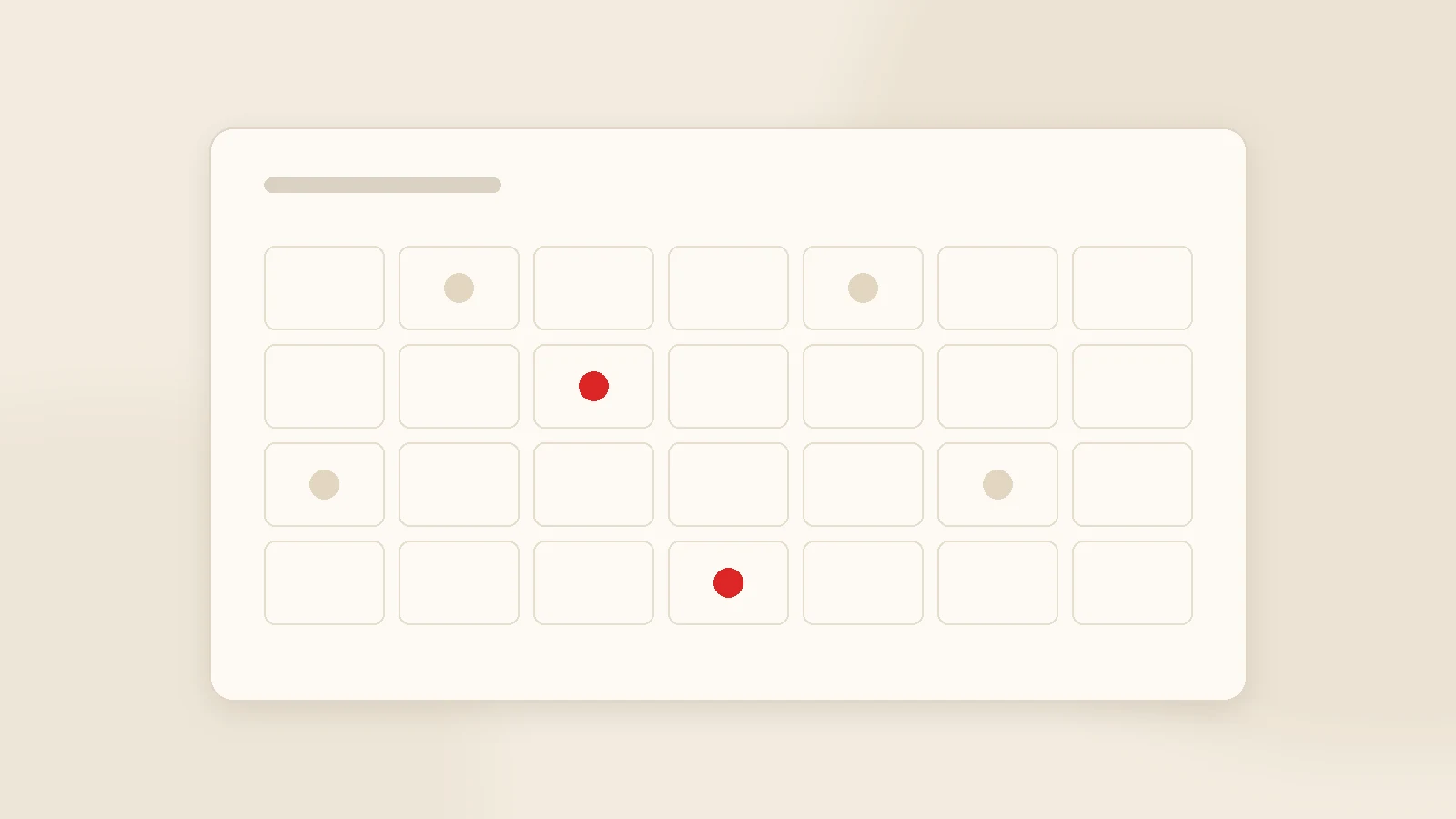
Build a Monthly Content Calendar with AI in One Hour
Asking "what should we post today" every morning is what kills social media accounts. Here is how to produce a month's plan in one sitting and approve it on one screen.
Read the guide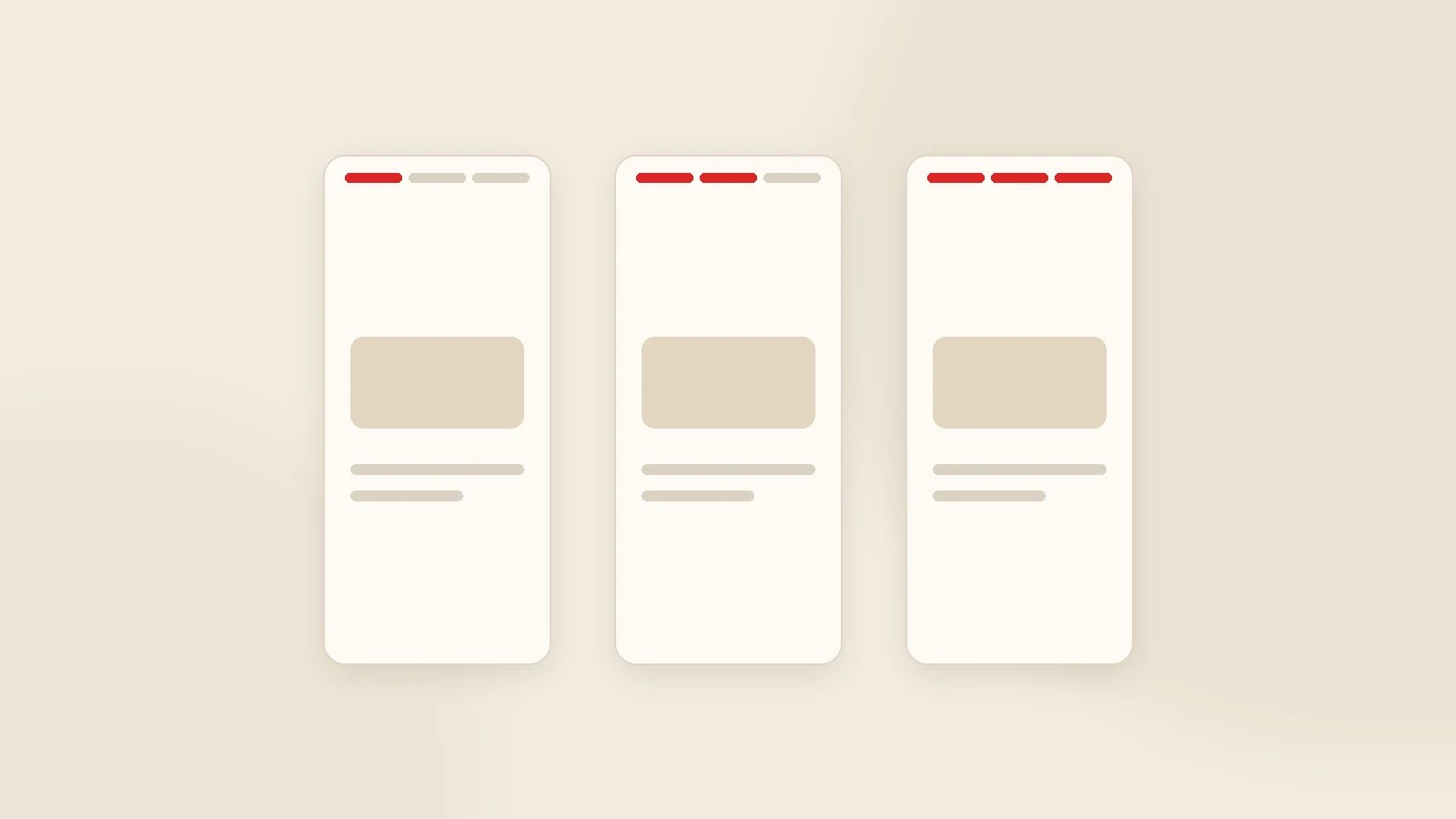
Creating Instagram Stories with AI: Seven Formats and a Weekly Template
A story is not a vertical post; it does a different job. How to generate story sequences with AI, seven ready formats and a weekly template that removes the daily decision.
Read the guideWant to put this into practice?
Tell us about your project and get a written, fixed-price proposal within 24 hours. No sales pressure — if we are not the right fit, we will say so.