Build a Monthly Content Calendar with AI in One Hour
Asking "what should we post today" every morning is what kills social media accounts. Here is how to produce a month's plan in one sitting and approve it on one screen.
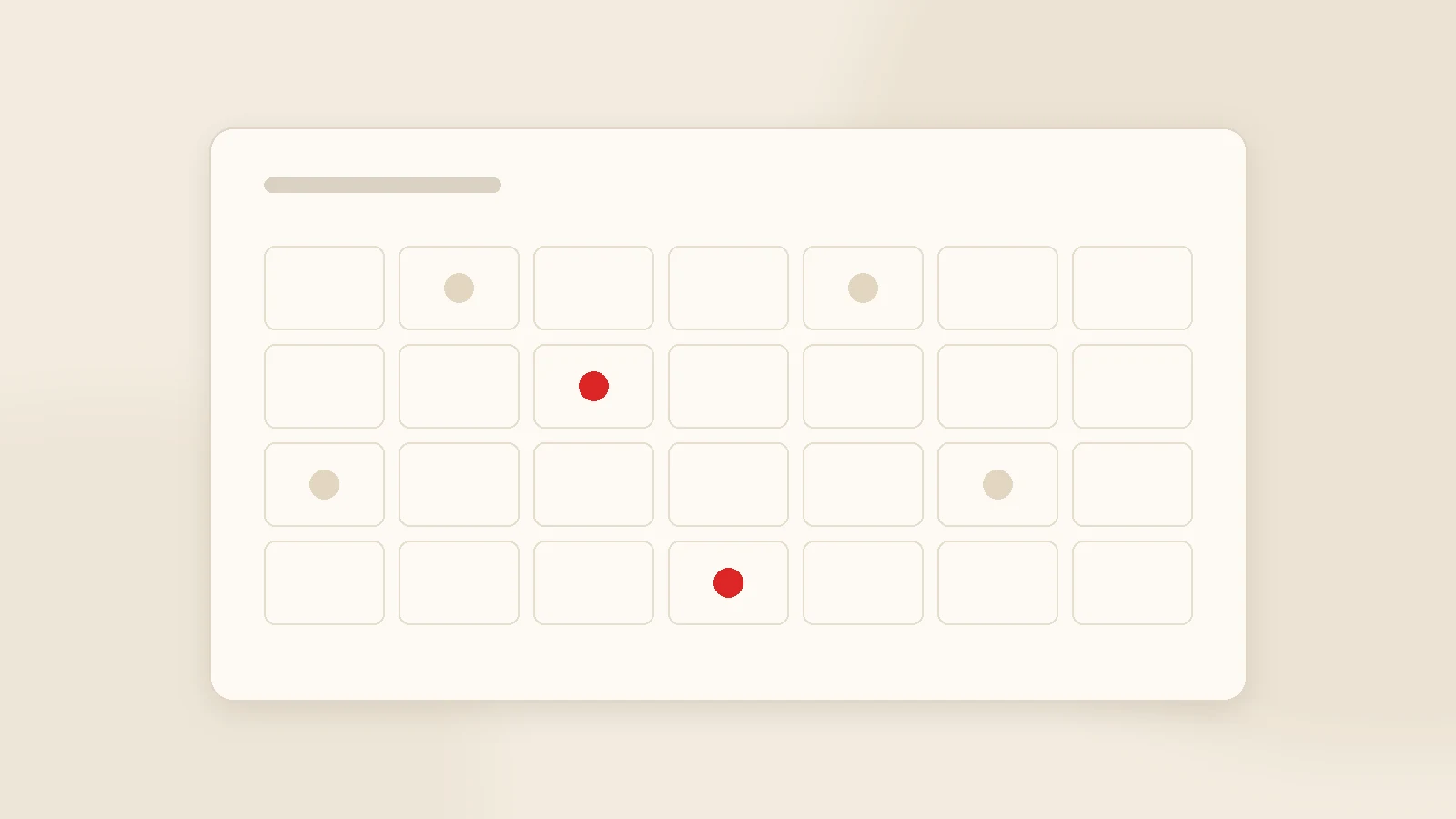
A monthly content calendar exists to remove the daily "what should we post" decision. Building one with AI takes about an hour: write the month's goal, set a frequency you can sustain, spread topics across five buckets (educational, product, social proof, behind the scenes, Q&A), balance formats, place key dates, then generate everything and approve it on one screen. Leave room to swap two or three posts if the month changes; the rest runs from the queue.
Most social media failure is not caused by bad content. It is caused by interrupted content — and the interruption almost always comes from having to decide again every day. Decisions get postponed on busy days; two weeks later the account has gone quiet.
A monthly calendar breaks that loop. This guide covers how to produce a month's plan in one sitting, how to balance topics and formats, how to handle key dates, and how approval should work.
Step 1 — Write the month's goal
A calendar starts with a goal, not a list. One sentence is enough: "this month we are introducing the new service" or "this month we want more booking enquiries". The goal decides how topics are weighted.
Next to it, list campaigns, launches and fixed-date events. Those are the anchors; everything else arranges itself around them.
Step 2 — Set a frequency you can sustain
| Profile | Feed posts | Stories | Short video |
|---|---|---|---|
| Just starting | 2-3 a week | 3-4 days a week | 2 a month |
| Steady account | 3-4 a week | Most days | 1 a week |
| Sales-led / e-commerce | 5 a week | Daily | 2-3 a week |
Ten posts a week followed by silence in month three is worse than three a week sustained. Consistency beats volume in this channel.
Step 3 — Topic distribution: five buckets
Spread the month across five purposes. A sample twelve-post month:
- Educational (4): answers to questions customers genuinely ask.
- Product / service (3): what you sell and which problem it solves.
- Social proof (2): completed work, customer feedback, before-and-after.
- Behind the scenes (2): team, production, process.
- Q&A / engagement (1): poll, question box, comment prompt.
Short of ideas? The best source is not imagination but your inbox. The questions customers ask you are content topics, word for word.
Step 4 — Format balance
Twelve posts in the same format make an account monotone. Rotate single images, carousels, short video and text-led posts through the month. Carousels get saved, short video gets discovered, single images carry a quick message.

Step 5 — Key dates, selectively
- Does this date genuinely relate to my brand?
- Do I have something to say beyond a greeting graphic?
- Would it make sense for my customer to remember us on this day?
Put the ones that pass into the plan a month ahead — good seasonal content needs preparation, and anything produced on the day tends to look like everyone else's.
Step 6 — Production and approval
Batch production
Once the plan is agreed, generate all copy and visuals in one sitting. Consistency improves as a side effect.
Review on one screen
See the whole month together. The grid matters more than any single post.
One approver
Someone who can decide for the brand. Split approval slows everything and posts miss their dates.
Leave slack
Keep two or three slots you can change as the month unfolds.
At month end: what to measure
- Which topic bucket performed best?
- Which format worked?
- Which post turned into actual business — a message, a call, a booking?
The third question is the one that matters. Enquiries talk; likes do not.
Our own software: Postuby
Postuby is Gurizon's own AI-powered social media platform and runs this whole workflow on one screen: it generates the monthly plan with topic and format distribution from your brand profile, prepares the copy and visual for each post, and shows the month in a calendar view.
The plan screen supports bulk actions — approve, reject, shift dates, change format, regenerate copy. Approved posts publish to Instagram, Facebook, TikTok, LinkedIn, X and YouTube at the scheduled time. See the calendar and automatic publishing.
Conclusion
A content calendar is not a spreadsheet; it is a decision-removal device. Write the goal, choose a realistic frequency, spread topics across five buckets, balance formats, and produce and approve the whole month in one sitting. Do that and you will not ask "what should we post today" again.
Want a sample monthly calendar for your brand? Send your sector and this month's goal. Get in touch. The production side is covered in how to create social media posts with AI.
Frequently asked questions
How do you build a social media content calendar?
How often should I post?
Can a month of content really be produced in one sitting?
How should I handle key dates and holidays?
Who should approve the plan?
How does Postuby build the calendar?
Related guides

Creating Instagram Stories with AI: Seven Formats and a Weekly Template
A story is not a vertical post; it does a different job. How to generate story sequences with AI, seven ready formats and a weekly template that removes the daily decision.
Read the guide
How to Create Social Media Posts with AI: Six Steps from Idea to Publish
A good AI post starts with a good brief, not a clever prompt. Six steps from idea to publish, a 12-point pre-publish check and the batch method that produces a month in one sitting.
Read the guideWant to put this into practice?
Tell us about your project and get a written, fixed-price proposal within 24 hours. No sales pressure — if we are not the right fit, we will say so.