Creating Instagram Stories with AI: Seven Formats and a Weekly Template
A story is not a vertical post; it does a different job. How to generate story sequences with AI, seven ready formats and a weekly template that removes the daily decision.
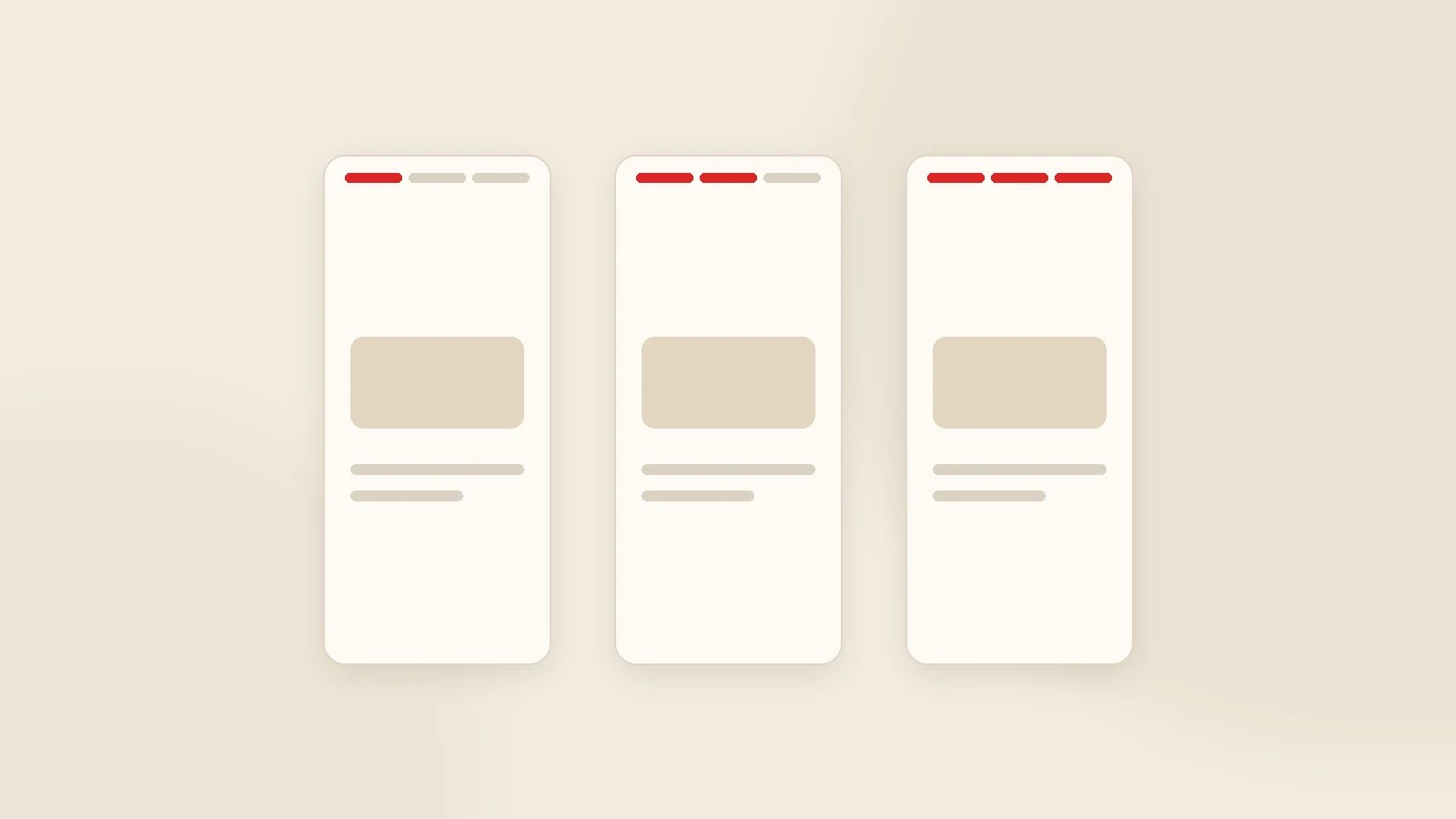
Creating stories is not making posts vertical. A post exists to be discovered and to stay; a story exists to keep a relationship warm with people who already follow you. The right way to use AI here is not asking for individual images but setting a weekly template and generating sequences: which format on which day, how many frames, which sticker. Keep the copy short, the image vertical (1080×1920) and the message single. Move anything with lasting value into highlights — over time that becomes a small catalogue.
Most businesses treat stories as filler: an occasional product photo, a holiday graphic, then three days of silence. In reality stories are where you touch your audience most often, and — because the viewer already knows you — they sit closest to a sale.
This guide covers where stories differ from posts, how to generate sequences rather than one-off frames, seven ready formats, a weekly template and how to organise highlights.
Story versus post
| Post | Story | |
|---|---|---|
| Lifespan | Permanent | 24 hours (or permanent in highlights) |
| Reach | Followers + discovery | Mostly existing followers |
| Purpose | Shop window, discovery | Familiarity, reminders, direction |
| Tone | Composed | Everyday, quick, personal |
| Copy | Can be long | One or two lines on screen |
| Dimensions | 1:1 / 4:5 | 9:16 (1080×1920) |
The practical consequence: tell the model you want story copy, not post copy. Otherwise you get a paragraph that nobody reads on a phone.
Seven story formats
1. Question to answer
Frame 1: a question a customer actually asked. Frames 2-3: the answer. Frame 4: a question sticker.
2. Before and after
The strongest format for service businesses. Two frames are enough; use a third for the process.
3. Behind the scenes
Production, packing, dispatch, the team. Polish is not required; reality is.
4. Micro-lesson
One useful idea across three or four frames. The most saved and shared format.
5. Poll or this-or-that
Engagement now, product insight later.
6. Social proof
A customer message (with permission), a finished job, a delivery moment.
7. Direction
A new post, a campaign, a booking link. No more than once a week — do not turn stories into a billboard.
The weekly template
| Day | Format | Frames |
|---|---|---|
| Monday | Week ahead / new arrivals | 2 |
| Tuesday | Micro-lesson | 3-4 |
| Wednesday | Behind the scenes | 2-3 |
| Thursday | Question box and answers | 3 |
| Friday | Social proof / before-after | 2 |
| Weekend | Free / topical | 1-2 |
The template is not there to limit creativity. It is there to remove a decision — and decisions are what get postponed on busy days.
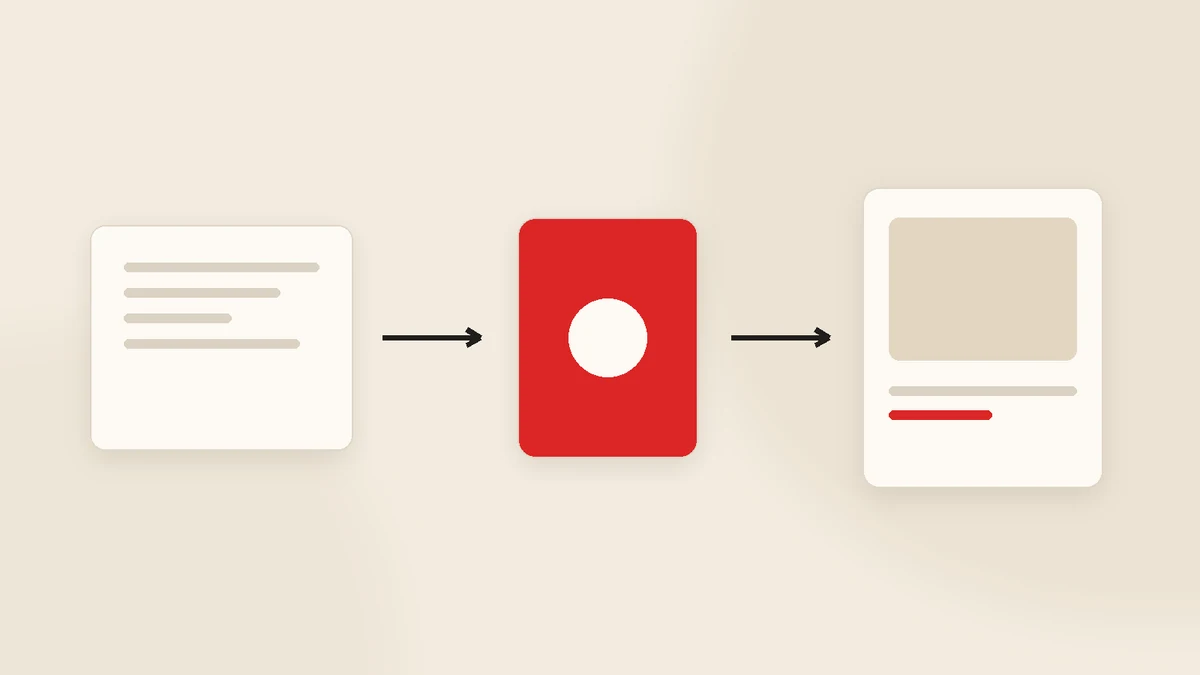
What to tell the AI
- Format: which of the seven above.
- Frame count: two to four. Longer sequences get abandoned.
- One line per frame: at most two lines on screen; let the visual do the rest.
- Sticker: which frame carries the poll, question box or link.
- Close: what the viewer should do next.
The common mistake is generating story copy as if it were post copy. A "maximum eight words per frame" rule solves it in one line.
Dimensions and readability
- Work at 1080×1920 (9:16); do not stretch square images.
- Safe area: keep important text out of the top and bottom ~15%, where interface elements sit.
- Contrast: dark text on light ground, with a subtle overlay when text sits on a photo.
- One focus per frame. Two messages mean two frames.
- Captions on video. Most viewers watch without sound.
Highlights: the part that does not disappear
- FAQ — pricing logic, delivery times, guarantees, opening hours.
- Products / services — one highlight each.
- References — finished work, customer messages.
- How we work — your process explained.
- Find us — location and contact, if you have a physical space.
Those five answer most of the questions a first-time visitor has — effectively a miniature catalogue on the profile.
Story production in our own software
Postuby is Gurizon's own AI-powered social media platform — we built it and we run our clients' accounts on it.
On the story side it does this: generates vertical visuals and short copy from your brand profile, sequences the frames, places them into the plan and publishes them at the scheduled time once approved. Reels and short-form video production live on the same screen — see reels video production.
Conclusion
Stories reward routine more than creativity. Set a weekly template, pick one format per day, keep sequences to three or four frames, and move the lasting ones into highlights. AI carries the production load; all it needs from you is the format and the tone, described once.
Want a weekly story template for your brand? Send us your sector and audience and we will draft one. Get in touch. For the feed side, see how to create social media posts with AI.
Frequently asked questions
How do you create Instagram stories with AI?
What is the difference between a story and a post?
How many stories should I post per day?
Which story stickers actually help?
Stories disappear — is the effort wasted?
Can Postuby create stories?
Related guides
Build a Monthly Content Calendar with AI in One Hour
Asking "what should we post today" every morning is what kills social media accounts. Here is how to produce a month's plan in one sitting and approve it on one screen.
Read the guide
How to Create Social Media Posts with AI: Six Steps from Idea to Publish
A good AI post starts with a good brief, not a clever prompt. Six steps from idea to publish, a 12-point pre-publish check and the batch method that produces a month in one sitting.
Read the guideWant to put this into practice?
Tell us about your project and get a written, fixed-price proposal within 24 hours. No sales pressure — if we are not the right fit, we will say so.