How to Choose CRM Software for Your Company: 12 Criteria and a Scorecard
CRM selection starts with writing down your own requirements, not with comparing products. Twelve weighted criteria, a demo script to run with every vendor and a two-week timetable for deciding.
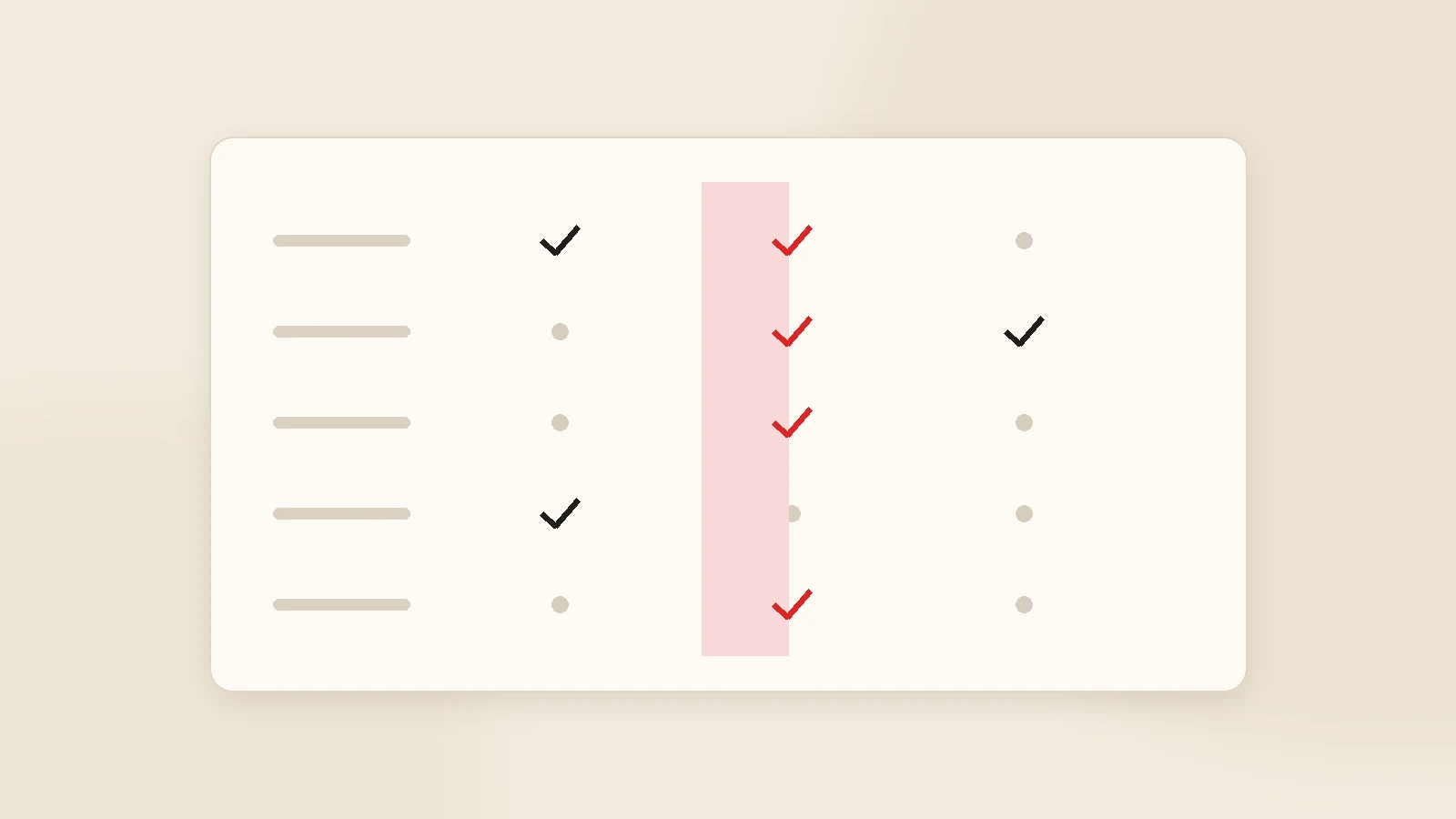
To choose CRM software, start by writing your requirements on one page, not by comparing products. Shortlist three vendors, make all three demo the same real scenario — add a customer, build a quote with your own pricing lines, advance a stage, record a payment, pull a report — and score them against twelve weighted criteria. The winner should be the system your team will open every morning, with a three-year cost that still makes sense. The whole process fits in two weeks.
Most CRM selections go like this: a few websites, two demos, and the product with the most persuasive salesperson wins. Three months later the system is half empty and the team is back to spreadsheets. The problem is rarely the product. It is that nowhere in the process did anyone write down what the company actually needed.
This guide fixes that with a simple method: twelve criteria, a weighted scorecard, a demo script and a two-week timetable. You are welcome to apply it to us as well — that is rather the point.
Step one: the one-page requirements note
Before looking at a single product, answer these five questions. They will shorten everything that follows:
- How many users? Today, and roughly a year from now.
- Which three things are slipping? For example unanswered quotes, overdue invoices, recurring maintenance visits.
- What must it connect to? Accounting, invoicing, e-commerce, website forms, messaging.
- Where must the data live? No constraint, or on infrastructure you control.
- What is the three-year budget ceiling? Not the monthly figure — the total.
Those five lines eliminate half the market on their own. Say data must stay on your own servers and the entire SaaS category drops out. We mapped the categories in CRM software solutions.
The twelve criteria
| # | Criterion | What to check |
|---|---|---|
| 1 | Daily usability | How many clicks to add a customer and a quote? |
| 2 | Quoting | Templates, approvals, sending and open tracking — built in or an add-on? |
| 3 | Job / project tracking | Is post-sale delivery tracked in the same system? |
| 4 | Payments and reminders | Due dates, partial payments, overdue handling, automatic chasing. |
| 5 | Messaging | Email and WhatsApp sent from inside and logged to the record. |
| 6 | Permissions | Who can see which customers and which prices? |
| 7 | Reporting | Win rate, average days to payment, performance by person. |
| 8 | Integrations | Accounting, invoicing, e-commerce, website forms. |
| 9 | Mobile | Can field staff genuinely work from a phone? |
| 10 | Data ownership and exit | Can you export everything, on demand? |
| 11 | Three-year total cost | Including growth, add-ons, currency exposure. |
| 12 | Support and continuity | Who responds, how quickly, in which language? |
Building the scorecard
Give each criterion a weight from 1 to 3 for your business (3 = critical). Score each vendor 1 to 5 on each criterion, multiply by the weight, total the columns. The highest total wins.
The value of the method is that the decision rests on priorities you set beforehand, not on how polished a demo looked on the day.
Fill in the weights before the demos. Weights assigned afterwards tend, quietly, to describe whichever product you liked most.

The demo script
Ask every vendor to run these five steps with your data rather than showing a prepared tour. Half an hour is enough to know whether a product fits.
1. Add a customer
A real one, with two contacts, tax details, a note and an attachment.
2. Build your quote
With your actual line items. If your pricing logic does not fit, you will find out here.
3. Advance a stage
Quote accepted, job opened, work delivered.
4. Record a payment
Set a due date, enter a partial payment, see what happens when it goes overdue.
5. Pull a report
"How many quotes this month, how many won, who owes us what?" — answered inside the system.
Eight commercial questions
- How does the price change as we add users? Will you put the three-year total in writing?
- If we leave, in what format and within what timeframe do we get our data?
- Are set-up, data migration and training included? If not, what do they cost?
- What are the support channels, hours and response times?
- If we need a new field or report, is that chargeable and how long does it take?
- Which country hosts our data?
- How many companies use the product, and can we speak to one in our sector?
- How are price increases handled in the contract?
Ask for written answers. A vendor who will not commit in writing before the sale will not be precise after it either. The equivalent list for choosing a development partner is in how to build a custom CRM.
Red flags
- "It does everything." A vendor who names no limitation is hoping you find them later.
- No written pricing, particularly around what happens as the team grows.
- Avoiding a live demo with your own scenario.
- Restricted data export. A difficult exit removes your leverage.
- Vague support terms in the contract.
- Single-person dependency with no succession plan.
A two-week timetable
Week 1
Write the requirements note, set the weights, shortlist three vendors, book the demos.
Week 2
Run the same scenario three times, score with the people who will use it, collect written commercial answers, decide.
Once you have decided, resist the urge to migrate everything at once. Start with one team and clean, minimal data — the approach is in CRM data migration, and keeping people using it afterwards is covered in CRM user adoption.
Put us on the same scorecard
We would rather be scored than pitched. KurumsalCRM is strong on specific criteria: quoting, job tracking, payment follow-up and in-app messaging are part of the core, there is no per-user fee, and it runs on your own server. Its limitation is equally clear: it does not issue formal invoices — that stays in your accounting system. Details on our CRM software page; if your process needs more than the core, that becomes custom software development.
Conclusion
Choosing CRM software is a fit test, not a product contest. Write down the requirement, weight the criteria, and the answer usually emerges on its own — all that remains is running the same scenario past three vendors. And remember the only measure that matters in month three: whether your team still opens it every morning.
If you have written your requirements note, send it to us too — get in touch and we will tell you where we score well and where something else would suit you better.
Frequently asked questions
What matters most when choosing CRM software?
What should I ask in a CRM demo?
How long should CRM selection take?
Is it worth trialling a free CRM first?
What are the red flags in CRM sales conversations?
Who inside the company should be involved?
Related guides
Company Management Software: CRM, ERP and Accounting Explained
Company management software is not one product but a small group of them. Here is what each type actually solves, the order most growing businesses should buy in, and when "one system for everything" is a trap.
Read the guide
CRM Data Migration from Spreadsheets: A Practical Checklist
Most CRM projects stumble at migration, not at the software. How to decide what to move, clean a messy spreadsheet, import safely and keep the team on the new system for the first thirty days.
Read the guideWant to put this into practice?
Tell us about your project and get a written, fixed-price proposal within 24 hours. No sales pressure — if we are not the right fit, we will say so.