How to Build a Custom CRM: An Eight-Stage Process
A custom CRM project is a management exercise more than a technical one. Eight stages from brief to launch, what is expected from you at each, realistic timings and the mistakes that stall projects.
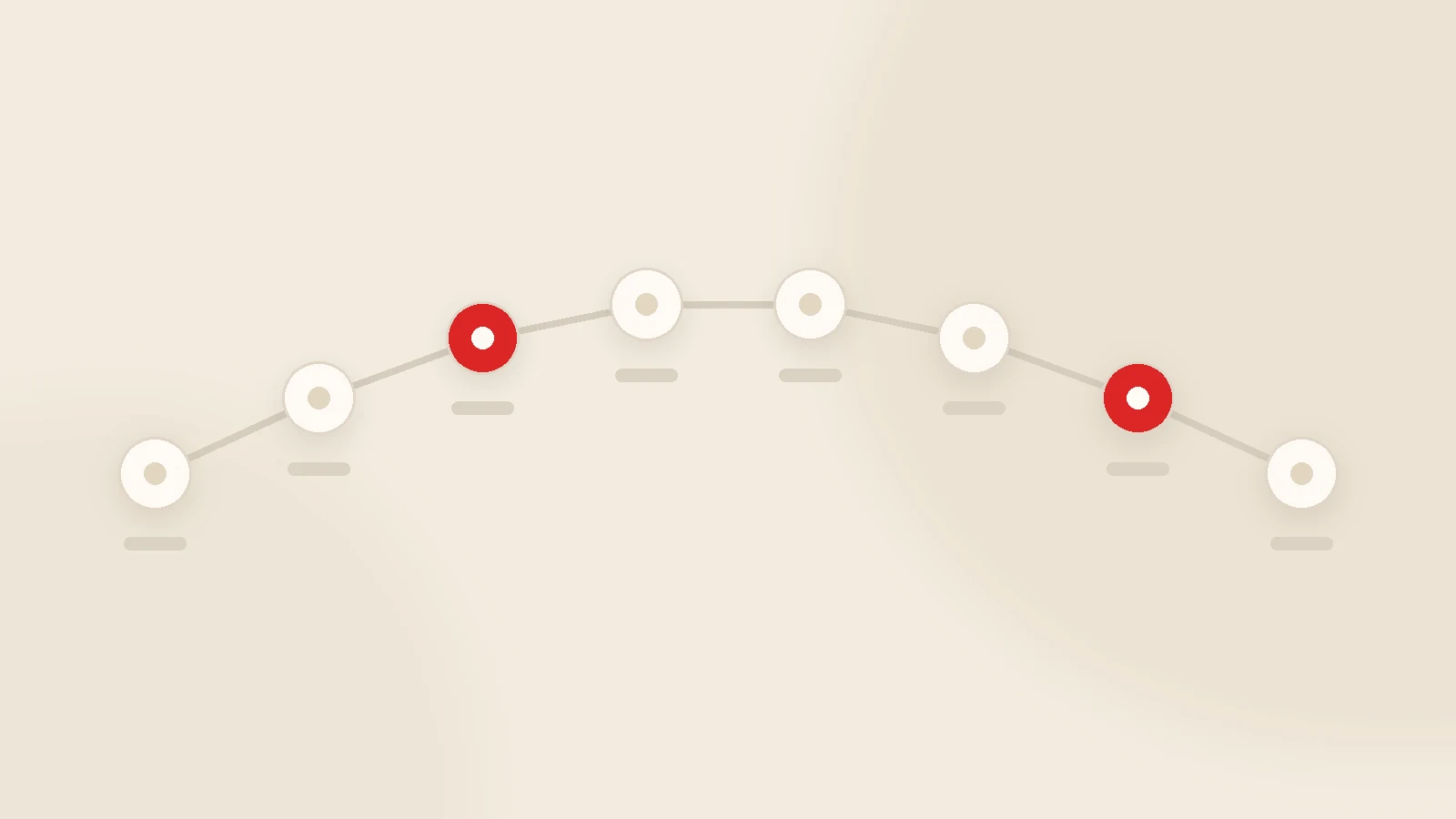
Building a custom CRM runs through eight stages: discovery → scope document and pricing → contract → screen design → staged development → data migration → training and launch → three months of refinement. A narrow first version typically goes live in four to eight weeks. What delays projects is almost never the code; it is slow decisions and scope that quietly grows. Which is why one named decision-maker on the client side matters more than the seniority of the development team.
The question we hear first is always "how much will it cost". The question that actually determines the outcome is "how will this be run". Two projects with the same budget and the same team can end very differently: one live in six weeks, the other still unfinished after six months. The difference is nearly always process.
Here are the eight stages of a custom CRM project, what both sides must do at each, realistic timings and the mistakes that stall things. Read it before you request quotes and you will compare those quotes far better.
Stage 1 — Discovery (2-5 days)
A good discovery session barely mentions software. It is about the business: what happens when an enquiry arrives, how a quote is calculated, who approves it, what starts when the work is won, when the money is requested.
- From you: describe the process as it really is today, not as it should be.
- From the supplier: map the process through questions, and say honestly which parts an off-the-shelf tool could already handle.
- Output: a written process map.
A supplier who is willing to say "you do not need that" is a good sign. One who says yes to everything will not manage scope later either.
Stage 2 — Scope document and pricing (3-7 days)
This is the most valuable document in the project. Nearly every dispute starts with "I assumed that was included", and this is what prevents it.
A solid scope document lists: every screen, the fields on each, user roles and permissions, integrations (which system, in which direction), reports, the extent of mobile support, delivery stages and — just as importantly — what is out of scope.
Pricing comes after the scope document. A price quoted before scope is either padded or destined to grow.
Stage 3 — Contract (1-3 days)
Six clauses that should always be present:
- Assignment of source code and licence. If it is not written down, the rights stay with the developer.
- Staged delivery and acceptance criteria. What counts as "working" at each stage.
- Payment schedule tied to stages — neither all upfront nor all at the end.
- Support period and scope. How many months of bug fixing are included?
- Hosting and data. Accounts in your company's name, backups and exports available on request.
- Confidentiality and data protection. You are handing over personal data; the processing terms need to be defined. If you operate in or sell to the EU or UK, that includes a data processing agreement and, for transfers outside those areas, an appropriate safeguard such as standard contractual clauses.
Stage 4 — Screen design (3-10 days)
Seeing the screens before code exists is the cheapest moment to change your mind. A change in design takes minutes; the same change after development takes days.
One rule here: show the designs to the people who will use the system. A screen the owner likes but the field team cannot work with will be empty within three months.
Stage 5 — Staged development (2-6 weeks)
The right rhythm is a working version every two weeks. Three months with nothing to look at is a failing project, regardless of what the status report says.
A typical order: customer records and permissions first, then quoting, then job tracking, then payments and reports. Your job at each step is twenty minutes of real use with real data. Those twenty minutes save days later.
Stage 6 — Data migration (2-7 days)
Routinely underestimated, and routinely the most tedious part — because data is never as clean as it looks. The same customer appears under three spellings, phone numbers follow four formats, and a row labelled "John" has no company name at all.
The reliable sequence is: clean, map to a standard template, load into a test environment, have two people who know the data check it, then go to production. The full checklist is in CRM data migration.
Stage 7 — Training and launch (2-5 days)
Training is not a long presentation. It is every person doing their own job once, in the system: the salesperson builds their own quote, operations opens their own job, finance records their own payment.
There are two ways to launch. A clean switch, where the old method stops on a set date, or parallel running, where both systems operate for a while. Parallel running feels safer but doubles the work, and in practice it is how CRMs get abandoned. A clean switch with a small group first usually works better.
Stage 8 — The first three months
Real requirements only surface once people are using the thing. Typically a few fields get added, one report changes, a notification schedule is adjusted. That is not failure; it is the system maturing.
So do not spend the whole budget on version one. Roughly 70% for the first release and 30% for the first three months of refinement is a sensible split.
Six mistakes that stall projects
- No named owner. "Everyone should be involved" means nobody is.
- Everything in version one. The bigger the scope, the later the delivery — and the colder the enthusiasm.
- Slow feedback. A week's delay on one approval moves the whole plan.
- Telling the team on launch day. People who were not consulted experience the system as something imposed.
- Not writing down what is excluded. The most expensive omission there is.
- Leaving the old system open. While the spreadsheet still works, nobody fills in the CRM.
Most of these sit on the client side rather than the supplier's — which is good news, because a week of planning prevents all of them.
How we run it at Gurizon
We rarely start from a blank page. We install the KurumsalCRM core — customer records, quoting, job tracking, payment follow-up and in-app email and WhatsApp — and build your specific workflow on top. The team sees something working in week one, so feedback is based on use rather than imagination. Standard implementation takes about two to three weeks, with custom work on top typically adding two to six weeks depending on scope. Scope details are on the CRM software page.
Where the project is broader than CRM, it runs as custom software development. For cost comparisons see custom CRM cost vs subscription, and if you are considering a team in another country, nearshore software development in Turkey covers the practicalities.
Conclusion
A custom CRM project is an organisational exercise: a clear scope, one decision-maker, a working version every two weeks, and part of the budget reserved for the first three months. Companies that do those four things almost never end up with an abandoned project.
If you have a requirements list, we can turn it into a scope document you can price against any supplier — send it over. If we think an off-the-shelf product would serve you better, we will say so.
Frequently asked questions
How does a custom CRM project work?
What is expected from the client during the project?
Why does the scope document matter so much?
How long does building a custom CRM take?
How is existing data migrated?
What happens after delivery?
Related guides
Company Management Software: CRM, ERP and Accounting Explained
Company management software is not one product but a small group of them. Here is what each type actually solves, the order most growing businesses should buy in, and when "one system for everything" is a trap.
Read the guide
CRM Data Migration from Spreadsheets: A Practical Checklist
Most CRM projects stumble at migration, not at the software. How to decide what to move, clean a messy spreadsheet, import safely and keep the team on the new system for the first thirty days.
Read the guideWant to put this into practice?
Tell us about your project and get a written, fixed-price proposal within 24 hours. No sales pressure — if we are not the right fit, we will say so.