Company Management Software: CRM, ERP and Accounting Explained
Company management software is not one product but a small group of them. Here is what each type actually solves, the order most growing businesses should buy in, and when "one system for everything" is a trap.
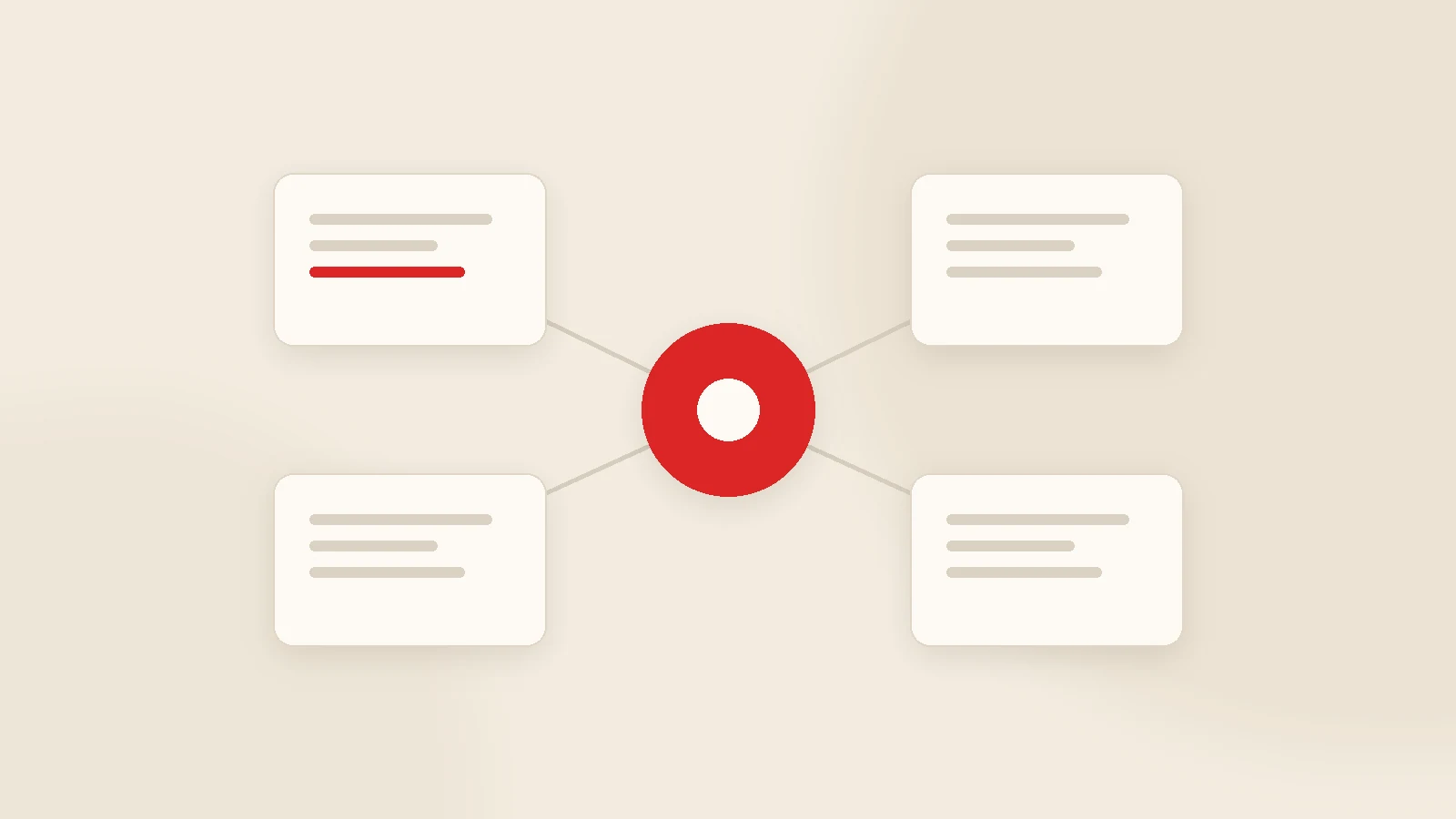
Company management software is not one product. It is a small group of systems that complement each other: CRM for customers, quotes and payment follow-up; accounting for invoices and ledgers; ERP for stock, production and purchasing; HR for people; project tools for task flow. For most growing companies the right order is accounting first (it is a legal requirement), then CRM where money quietly leaks, then everything else only when a real problem appears. "One system for everything" sounds efficient but usually costs more than connecting the tools that already work.
At a certain size, every business says the same sentence: "We need proper management software." Then the research starts and produces a wall of overlapping acronyms — CRM, ERP, MRP, HRIS, PSA, accounting, e-invoicing — each vendor claiming their product covers all of it.
This guide clears that up. What each category actually solves, which order to buy in, when a single unified platform makes sense, and what a company of twenty people realistically needs.
What company management software actually is
It is the set of tools that move information out of individual people's heads and into a shared, searchable place, automate the repetitive parts, and let you answer "how did we do last month?" with numbers instead of impressions.
The difference between the categories is simply which information they look after. Once that is clear, choosing becomes much easier.
Five categories and the problem each one solves
| Type | What it manages | Typical pain | Who needs it |
|---|---|---|---|
| CRM | Customers, quotes, jobs, payment follow-up | "We sent the quote and nobody chased it" | Anyone who sells or serves |
| Accounting | Invoices, ledgers, tax filings | Legal compliance and cash records | Every company |
| ERP | Stock, production, purchasing, costing | "We thought we had it in stock" | Manufacturers and distributors |
| HR | Records, leave, payroll, hiring | Leave and payroll tracked in spreadsheets | Roughly 20+ employees |
| Project / task tools | Tasks, owners, deadlines, workload | "Who was doing that, and by when?" | Project-based teams |
Sector-specific tools — point of sale, hotel front desk, service dispatch, freight management — are usually one of these five adapted to an industry.
CRM vs ERP: the distinction that saves money
CRM manages relationships; ERP manages resources. Confusing the two is the most common reason companies end up in a project far larger than they needed.
- CRM asks: what did we discuss with this client, what did we quote, where is the job, and when is the money due?
- ERP asks: what raw material do we have, when must we reorder, what does this product cost to make, and which warehouse holds it?
Most service businesses — agencies, consultancies, software firms, architects, trainers, service companies — never need ERP; the CRM side covers everything. In manufacturing the two live side by side: sales in the CRM, production and stock in the ERP, with order information flowing between them.
The order to buy in
1. Accounting
You already have it because the law requires it. Make sure it is something your accountant is happy to work with — that decision affects everything downstream.
2. CRM
This is where losses are least visible: unchased quotes, forgotten customers, late payments. For most SMEs it is the fastest-returning software investment.
3. Project or task tools
Once the team passes about five people and work is project-based. Check what your CRM already offers before buying a separate product.
4. Stock or ERP
Only if you physically handle goods or manufacture. If not, skip it — ERP is the most expensive and most disruptive migration of the five.
5. HR
Beyond roughly twenty employees, leave, overtime and records outgrow spreadsheets.
The logic is simple: legal first, then what earns money, then what saves time. The classic mistake is the reverse — a company that has not yet organised its sales embarking on a large ERP programme.
One platform, or connected tools?
All-in-one platforms give consistency but ask you to rebuild your processes around them. Connected best-of-breed tools are less disruptive and let you keep what already works.
In practice, the arrangement that works for most SMEs is this:
- Legal documents — invoices, filings — stay in the accounting system, so your accountant's workflow is untouched.
- Customers, quotes, jobs and payment chasing run in the CRM.
- Customer and payment data flows automatically between the two, so nobody types anything twice.
A note worth making: a CRM does not need to issue invoices. Formal invoicing belongs to accounting; the CRM's job is to chase the money and show what has been paid on the customer record. Getting that boundary right keeps you out of a much bigger project. We covered the mechanics in CRM integrations.
What it costs
Cloud tools bill per user per month, so the total rises in a straight line with headcount. Self-hosted or custom systems are a one-off licence or build plus annual maintenance, which stays flat as you grow.
Published 2026 agency estimates put a basic custom CRM at roughly $15,000-$45,000; SaaS suites start low and climb as users and modules accumulate. The surprise usually arrives in year three, when a subscription started by five people is being paid for by fifteen. We ran the three-year comparison in custom CRM cost vs subscription, and regional development rates are in custom software development cost.
Seven checks before you buy anything
- Which problem does it solve? Write it in one sentence. If you cannot, do not buy it.
- Who will use it? Let those people test it before you decide.
- Does it talk to what we already run? Accounting, e-commerce, invoicing.
- Whose data is it? Can you export everything, whenever you want?
- What is the three-year total? Not the monthly price — the total with a bigger team.
- Does it handle local requirements? Tax rules, invoicing formats, the messaging channels your customers actually use.
- What happens if we leave? A system with no exit plan is a dependency.
How we see it at Gurizon
The biggest gap we find in small and mid-sized companies is on the CRM side. Accounting software exists, invoicing works, there may even be a stock system — but customers, quotes and payment chasing still live in spreadsheets and chat apps. That is why KurumsalCRM is built to sit next to accounting rather than replace it: it handles the customer, the quote, the job and the money owed, with no per-user fee and hosted on your own server. See the CRM software page for scope.
When the requirement goes beyond that, it becomes custom software development. And often what is actually missing is not a new system at all, but a bridge between two you already own.
Conclusion
Buying company management software is not one big decision; it is several small ones in the right order. The most expensive mistake is looking for a single system that solves everything and, as a result, starting nothing for six months. Find where money leaks, fix that with one system, prove it works, then move to the next.
If you are not sure which step comes first, list where each piece of information currently lives in your business and send it to us — we will tell you which gap to close first.
Frequently asked questions
What is company management software?
What is the difference between CRM and ERP?
Which software should a small company buy first?
Is an all-in-one business system worth it?
How much does company management software cost?
Can these systems talk to each other?
Related guides
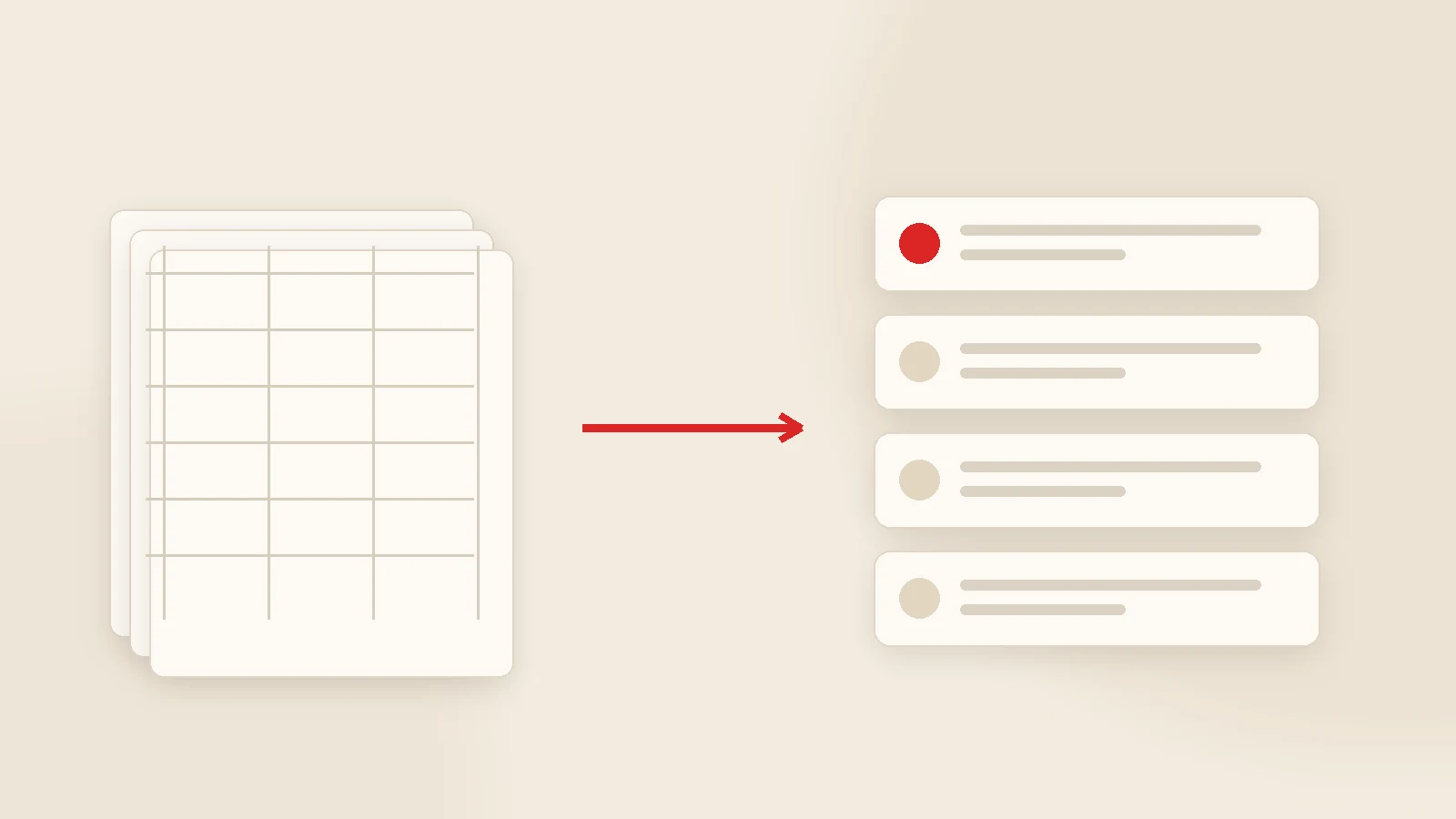
CRM Data Migration from Spreadsheets: A Practical Checklist
Most CRM projects stumble at migration, not at the software. How to decide what to move, clean a messy spreadsheet, import safely and keep the team on the new system for the first thirty days.
Read the guide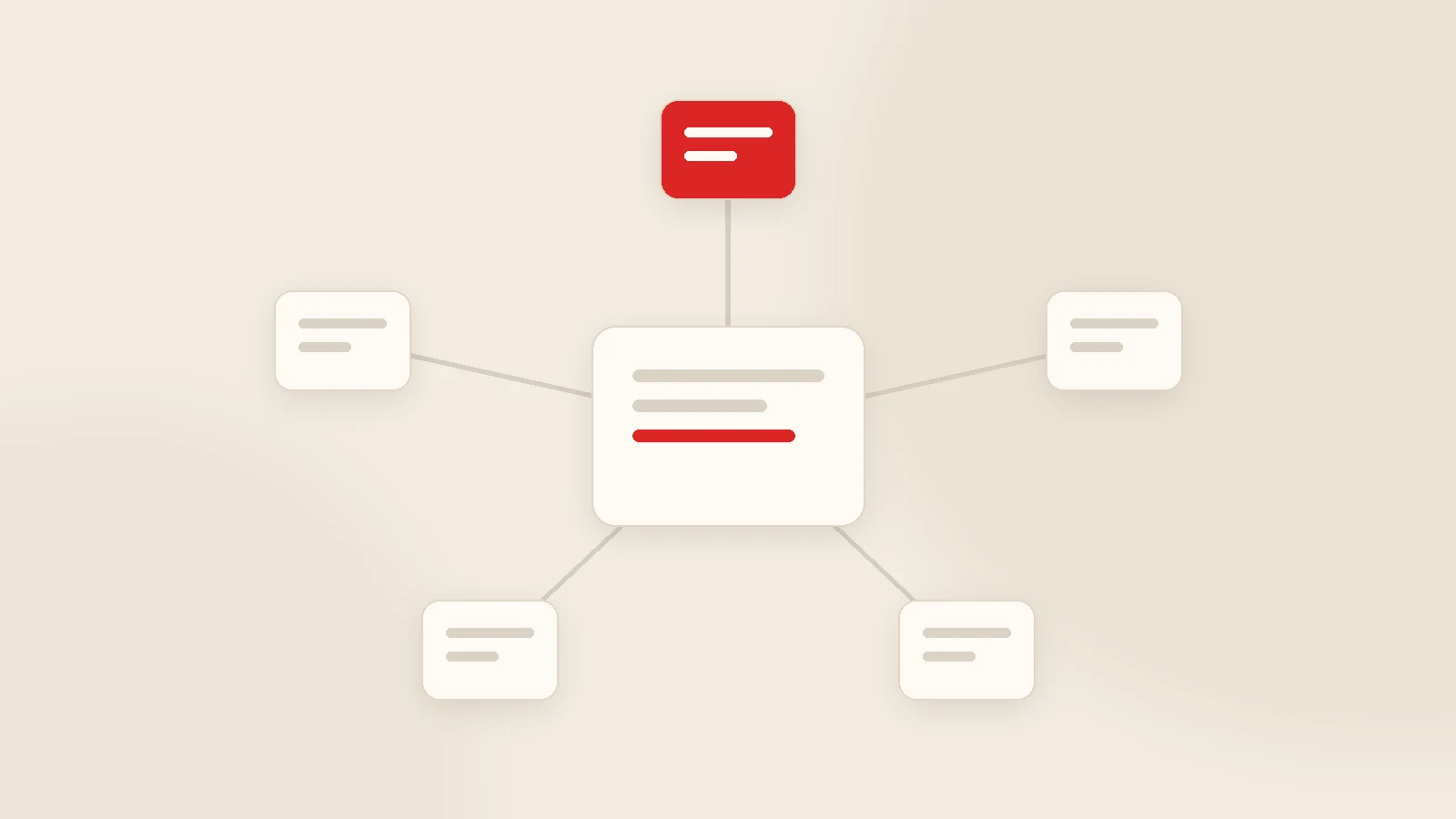
CRM Integrations: Accounting, Invoicing, WhatsApp, E-commerce and Web Forms
Integration is not about connecting two programs; it is about ending double data entry. Which connections earn their cost, where each piece of information should originate and what to build first.
Read the guideWant to put this into practice?
Tell us about your project and get a written, fixed-price proposal within 24 hours. No sales pressure — if we are not the right fit, we will say so.