CRM Integrations: Accounting, Invoicing, WhatsApp, E-commerce and Web Forms
Integration is not about connecting two programs; it is about ending double data entry. Which connections earn their cost, where each piece of information should originate and what to build first.
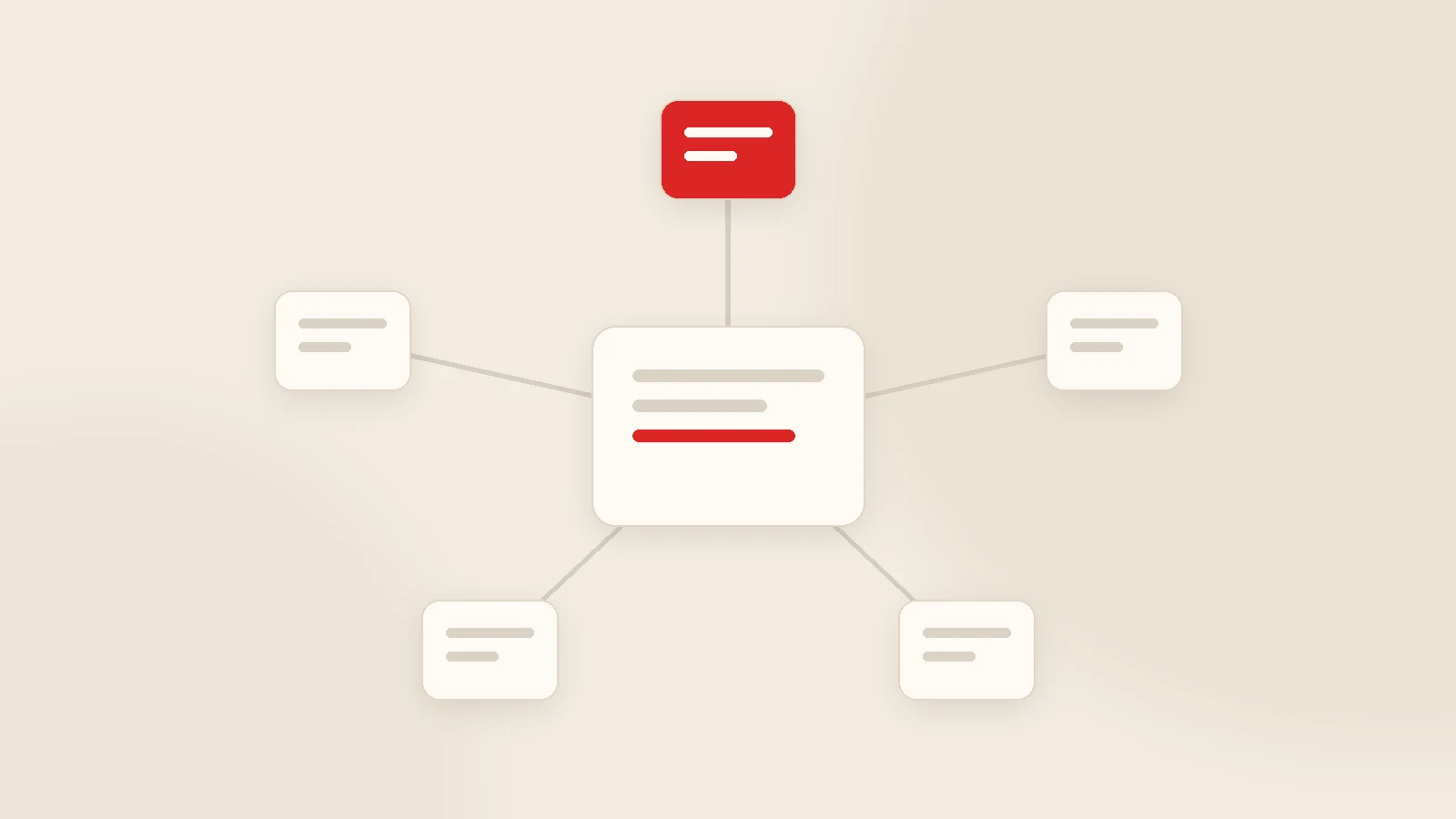
CRM integration means information flows automatically between your CRM and your other systems, so nobody types the same thing twice. A sensible build order for most companies: website forms → email and messaging → accounting and customer matching → e-commerce → banking. The critical decision is not technical: agree where each piece of information originates. Does a customer record start in the CRM or in accounting? Skip that question and every integration you build will eventually produce conflicting records.
The most frustrating version of a CRM is one that does not speak to the systems around it. Customers are entered twice, quotes live in one place and invoices in another, and client conversations sit on somebody's personal phone. In that setup a CRM does not reduce work — it adds to it, and the team is quite right to stop using it.
This guide covers the six integrations that genuinely change things for small and mid-sized companies: which direction data should flow in each, what they typically cost in time, and the mistakes that create duplicate records.
The question to answer before building anything
Every piece of information is created in one system and visible in others. Nearly all integration chaos comes from skipping that distinction.
| Information | Originates in | Visible in |
|---|---|---|
| Lead | Website form / CRM | CRM |
| Customer record | CRM (pre-sale) | Accounting (post-sale) |
| Quote | CRM | CRM + the client's own link |
| Invoice | Accounting | CRM record (for reference) |
| Payment | Accounting / bank | CRM (to stop reminders) |
| Online order | E-commerce platform | CRM + accounting |
Fill that table in for your own business and it becomes obvious which connections need to be one-way and which must be two-way.
1) Website form → CRM
The cheapest integration with the fastest return. Enquiries from your contact or quote form land directly in the CRM, the owner is notified, and first response time becomes something you can measure.
The benefit is simple but large: an enquiry can no longer disappear into an inbox. If you run ads, you also see which campaign produced which enquiry, in the same place. Typically a few hours of work.
2) Email and messaging → CRM
When client conversations live on personal phones, two problems follow: history leaves with the employee, and nobody knows what was promised.
- Email: sent from inside the system, replies logged to the record. Templates standardise quotes and reminders.
- WhatsApp: via the official WhatsApp Business API on a business number. Template approval and per-message costs need to be planned for.
A warning: unofficial tools that automate a personal WhatsApp account look cheap but carry a real risk of the number being blocked. Do not build your entire client communication on one.
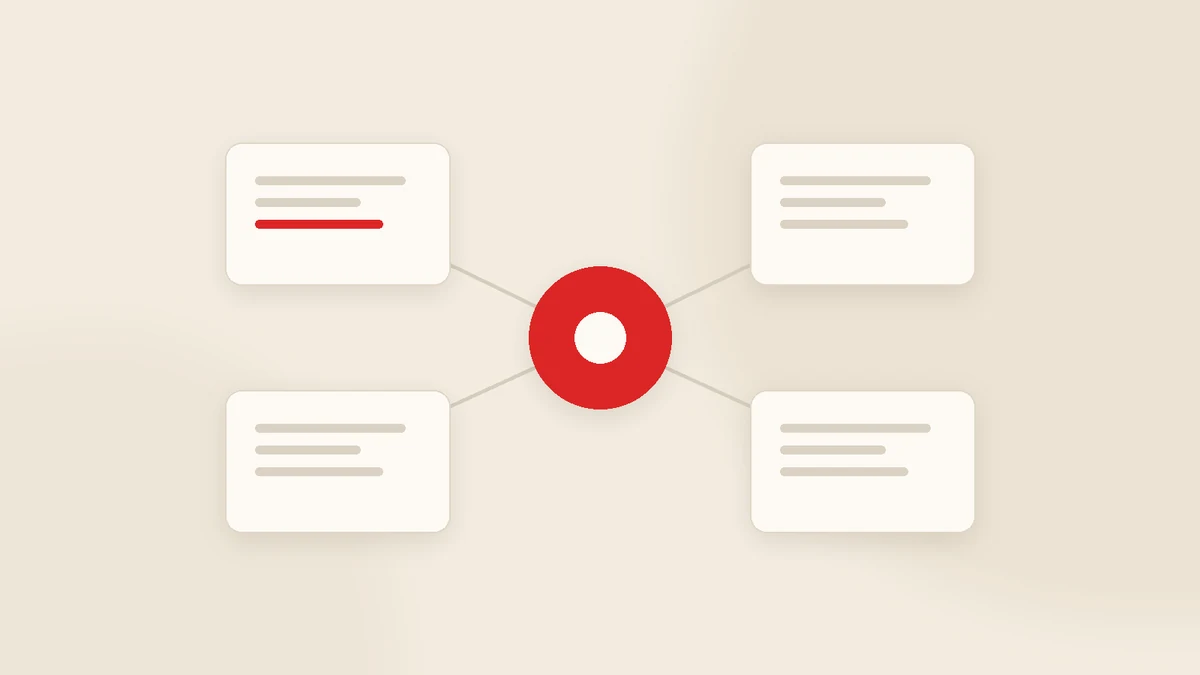
3) Accounting ↔ CRM
The most requested and most frequently over-engineered connection. The arrangement that works: formal documents stay in accounting, the client relationship runs in the CRM, and customer and payment data flows between them.
Three things are usually enough:
- Customer records matched across both systems, normally on a tax identifier.
- Invoice amount and date appearing on the CRM record.
- Payments closing the outstanding balance in the CRM so reminders stop.
Going further — issuing invoices from the CRM, managing stock there — raises cost and disrupts your accountant's workflow. The boundaries between system types are set out in company management software.
4) E-commerce → CRM
If you sell online, orders landing in the CRM complete the customer history: who bought what, when, from which campaign, and how likely they are to buy again. It is especially valuable for B2B companies that also take online orders.
Watch for duplicate records: the same person ordering by phone and through the site should not create two cards. Define the matching rule — email or phone — before you build.
5) Banking and payments
Automatic matching of incoming payments saves real time in collections. At smaller volumes a regular statement import may be enough; not every company needs a direct banking API.
The main benefit is avoiding wrong reminders. A "your payment is overdue" message sent to a client who paid last week costs far more than the minutes you saved.
6) Calendar, telephony and field apps
Appointment-driven businesses benefit most from calendar sync; service and installation businesses from field app connections. Telephony integration — the customer record opening automatically on an incoming call — pays off where call volume is high.
Cost and build time
| Type | Example | Typical time |
|---|---|---|
| Ready-made connector | Web forms, email, calendar | Hours to one day |
| API integration | Accounting, e-commerce, WhatsApp API | 2-5 days |
| File-based or bespoke | Legacy systems, custom ERPs | 1-3 weeks |
One thing to budget for: integrations have a maintenance cost as well as a build cost. When the other system updates, a connection can break — so check that your support agreement covers them. Overall budgeting is covered in custom CRM cost vs subscription.
Five common mistakes
- Making everything two-way. Bidirectional sync is complex and creates conflicts. If one direction is enough, use one direction.
- No matching key. Tax number or email? Without a decision, duplicates are guaranteed.
- Building them all at once. The project stretches and nobody can tell which connection is misbehaving.
- Ignoring failure states. What happens when the other system does not respond? Records should queue, not vanish.
- Connecting personal accounts. An integration built on one employee's personal email or phone collapses when they leave.
How Gurizon approaches it
In KurumsalCRM, email and WhatsApp sending and website form capture come as standard, and every message sent is logged to the customer record. On accounting our position is deliberate: we do not issue formal invoices — that stays in your accounting system — while we handle payment follow-up and client communication. Your accountant's workflow is left alone. See the CRM software page for scope.
Where the other system is a legacy platform or a custom ERP, we build the bridge as part of custom software development.
Conclusion
Integration is an organisational problem before it is a technical one. Decide where each piece of information originates, start one-way, and begin where you currently duplicate the most work. Three well-built connections save more time than ten half-finished ones.
Tell us which systems you run and which information you type twice each day, and we will tell you which connection to build first — get in touch.
Frequently asked questions
What is a CRM integration?
Can a CRM connect to accounting software?
Should invoices be issued from the CRM?
How does WhatsApp integrate with a CRM?
Can a website form feed the CRM?
Which integration should I build first?
Related guides
Company Management Software: CRM, ERP and Accounting Explained
Company management software is not one product but a small group of them. Here is what each type actually solves, the order most growing businesses should buy in, and when "one system for everything" is a trap.
Read the guide
CRM Data Migration from Spreadsheets: A Practical Checklist
Most CRM projects stumble at migration, not at the software. How to decide what to move, clean a messy spreadsheet, import safely and keep the team on the new system for the first thirty days.
Read the guideWant to put this into practice?
Tell us about your project and get a written, fixed-price proposal within 24 hours. No sales pressure — if we are not the right fit, we will say so.