CRM Data Migration from Spreadsheets: A Practical Checklist
Most CRM projects stumble at migration, not at the software. How to decide what to move, clean a messy spreadsheet, import safely and keep the team on the new system for the first thirty days.
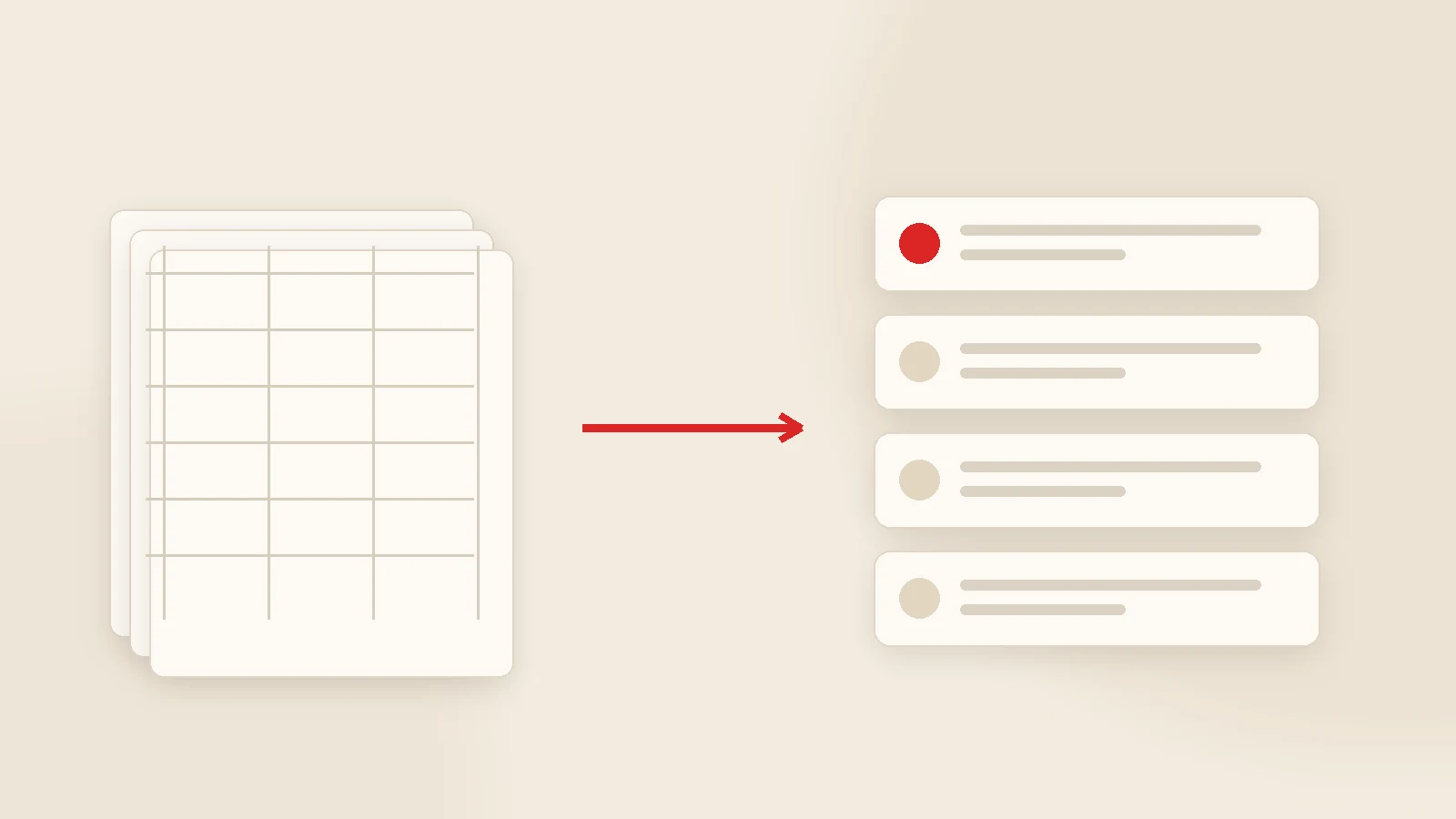
CRM data migration is three steps: clean the data, import it into a test environment and check it, then move to production. Migrate only what you use today — active customers, open quotes, live jobs and unpaid balances. The import takes one to seven days; the part that decides success takes longer: two to four weeks of the team using the new system, which will not happen while the old spreadsheet is still open.
The sentence we hear most often about failed CRM projects is "the software was fine, we just never moved". The system is installed, the licence is paid, training happened — and the customer list is still in customers_final_v3.xlsx on somebody's desktop. Within a month, everyone is back there.
This guide is about exactly that stage: how to clean messy spreadsheet data, what to move and what to leave behind, how to import without risk, and how to keep the team on the new system for the first thirty days.
First decision: what not to move
The most important migration decision is not technical. Do not move everything. Recreating the old file inside the new system means the only thing you migrated was the mess.
| Data | Move it? | Why |
|---|---|---|
| Active customers (last 24 months) | Yes | The centre of daily work |
| Open quotes | Yes | Untracked quotes are lost revenue |
| Jobs in progress | Yes | Operational continuity |
| Unpaid balances | Yes | Cash flow |
| Dormant or dead records | No | An archive file is enough |
| Closed historical quotes | No | Adds weight, not insight |
| Personal shorthand notes | Selectively | Only what a colleague would understand |
Step 1 — Cleaning (the slow part)
Spreadsheets are never as tidy as they look. The usual problems, and what to do about them:
- The same customer on several rows. "ABC Ltd", "ABC Limited", "abc ltd." are one company. Pick a unique key — tax number, phone, email — and merge on it.
- Inconsistent phone formats. Standardise to one format, or search and messaging integrations will not work.
- A person's name where the company should be. Flag these and ask whoever owns the relationship.
- Several facts in one cell. "John Smith / ABC Ltd / +44… / [email protected]" needs splitting into columns.
- Mixed date and currency formats. Dates stored as text and cells like "15,000 GBP" break imports.
- Blank and half-filled rows. Delete them; they are not worth carrying.
Do the cleaning in the spreadsheet, not in the CRM. Importing one cleaned file is far easier than correcting 800 badly imported records afterwards.
Step 2 — Build the import template
Every CRM expects particular column headings. Download its template and map your cleaned data onto it. The usual minimum:
Company
Name, tax details, address, sector, source (how you met).
Contacts
Name, role, phone, email — one row per person if there are several.
Commercial status
Stage (lead / quoted / customer), owner, date of last contact.
Finance
Outstanding balance, payment terms, instalment plan if any.
Resist the temptation to create a CRM field for every spreadsheet column. Nobody fills in a customer record with forty fields. Start with eight to twelve and add what is genuinely missing in week three.
Step 3 — Test first, then production
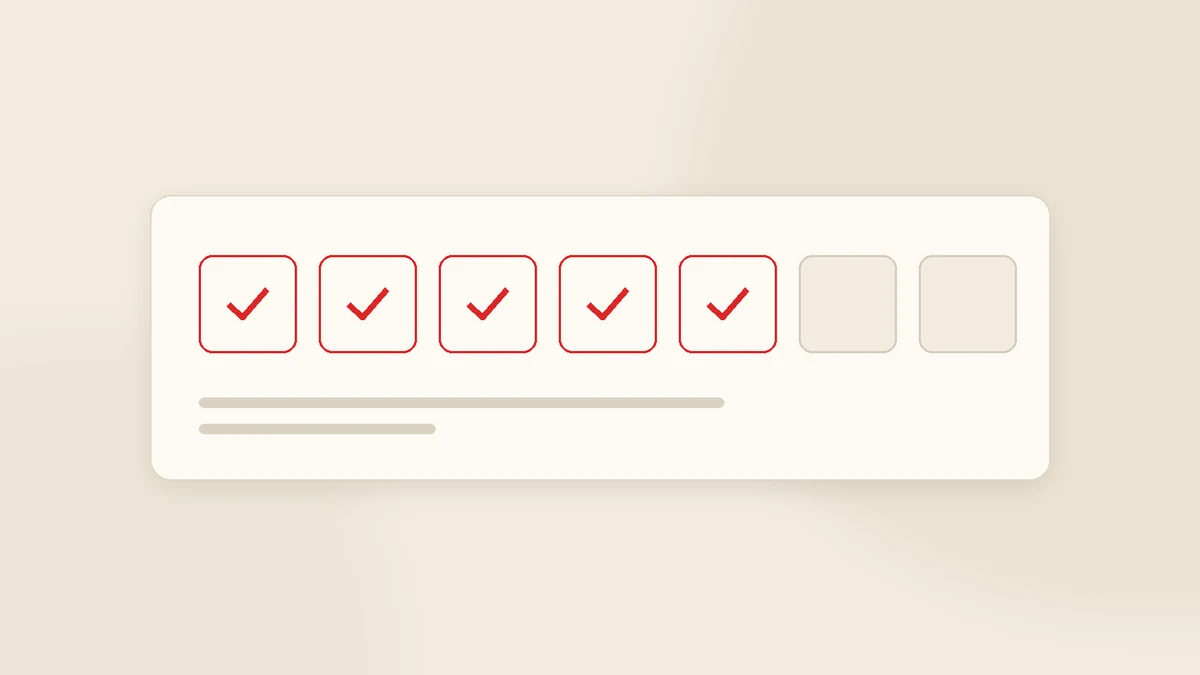
- Back up the originals. Copy the raw files somewhere separate before cleaning anything.
- Import into a test environment. Start with 20-30 rows: does every field land where it should?
- Reconcile the counts. 1,240 rows in the spreadsheet — how many records in the CRM? Explain any difference.
- Have two people check. Someone from sales and someone from finance, looking at their own customers.
- Go live mid-week. A Friday evening migration means nobody is around when something needs fixing.
The first 30 days, week by week
Week 1 — One flow
Only new customers and new quotes go into the CRM. Nothing else. The goal is a daily habit, not completeness.
Week 2 — Follow-up
Chase open quotes from the CRM. Run the weekly meeting off its screen; that single decision lifts usage more than any policy.
Week 3 — Money
Move payment chasing and reminders into the system, with finance involved.
Week 4 — Measure and fix
How many records were created, how many are incomplete, which fields are unused? Fix the first, delete the last.
By the end of week four the target is not "everything is in the system". It is that the first tab people open in the morning is the CRM.
Five ways to sabotage a migration
- Leaving the spreadsheet open. Parallel running feels safe and quietly kills the project. Set a cut-off date.
- Moving everything at once. Customers, quotes, jobs, payments and archives in one week overwhelms everyone.
- Designing fields without the users. They will not fill in what they do not need.
- No named owner. Someone has to answer questions and collect the gaps.
- Ignoring early complaints. "This screen is slow", "this field is pointless" — free, high-value feedback in month one.
Migration and data protection
Customer data is personal data, so a few points are worth attention during a move: avoid export files circulating on personal laptops and chat apps, set role-based access in the new system, delete uncontrolled copies of the old spreadsheets, and know which country hosts the data. If you operate in or sell into the EU or UK, confirm you have a data processing agreement with whoever hosts or manages the CRM, and an appropriate safeguard for any transfer outside those areas. For anything consequential, take proper legal advice.
How Gurizon handles it
Data migration is part of a standard KurumsalCRM implementation: we take your existing files, merge duplicates, show you the result in a test environment and move to production once you approve. Implementation typically takes two to three weeks including training, and we spend the following month collecting gaps and making small corrections with the team. Details on the CRM software page.
If your workflow needs more than the core, that becomes custom software development; the full project sequence is in how to build a custom CRM, and keeping people on the system afterwards is covered in CRM user adoption.
Conclusion
Migration is not a file transfer; it is a change of habit. Start with clean, minimal data, verify in a test environment, set a firm cut-off date and add one new habit per week for a month. Companies that do this find the CRM settles in by the second month almost on its own.
If you are unsure whether your current file is importable, send us the column headings — get in touch and we will tell you how much cleaning it needs and how long the move would take.
Frequently asked questions
How do I import a spreadsheet into a CRM?
What data should I migrate?
How do I deduplicate customer records?
How long does CRM migration take?
Should I keep using the spreadsheet during the transition?
Is there a risk of losing data?
Related guides

Company Management Software: CRM, ERP and Accounting Explained
Company management software is not one product but a small group of them. Here is what each type actually solves, the order most growing businesses should buy in, and when "one system for everything" is a trap.
Read the guide
CRM Integrations: Accounting, Invoicing, WhatsApp, E-commerce and Web Forms
Integration is not about connecting two programs; it is about ending double data entry. Which connections earn their cost, where each piece of information should originate and what to build first.
Read the guideWant to put this into practice?
Tell us about your project and get a written, fixed-price proposal within 24 hours. No sales pressure — if we are not the right fit, we will say so.