Custom CRM Software: What It Is and When It Pays Off
Custom CRM software means the system fits your workflow instead of the other way round. Here is what it includes, who genuinely needs it, what it costs and how to avoid the classic failure modes.
Custom CRM software is built around your workflow instead of asking your team to work the vendor's way. There are no per-user fees, the data sits on servers you choose, and the licence — in most projects the source code too — belongs to you. In return the upfront cost is higher and a first version takes roughly four to eight weeks. If your sales process is standard and your team is small, an off-the-shelf CRM is almost always the better call.
"We bought a CRM and nobody uses it" is one of the most common things we hear. The cause is rarely bad software. It is a mismatch: the business works one way, the software expects another, and for a few weeks everyone tries to imitate the software's order of operations. Then they quietly go back to spreadsheets and WhatsApp.
This guide explains what custom CRM software actually is, where it differs from off-the-shelf systems, which businesses genuinely benefit, how long it takes, what it costs and what to put in the contract. We will say this upfront: plenty of companies do not need a custom build, and a firm willing to tell you that is worth more than one that says yes to everything.
What is custom CRM software?
Custom CRM software is a customer relationship management system developed around a specific company's process, with the licence and usually the source code owned by that company. People also call it a bespoke CRM, a tailor-made CRM or simply "building our own CRM".
In an off-the-shelf CRM, the vendor decided what fields a customer record holds, how many stages a pipeline has and what a report shows. In a custom CRM you decide. Do you sell through dealers or run projects? Is a quote priced by square metre, by tonnage or by unit? Does the job end at delivery, or continue as scheduled maintenance? The software is shaped by those answers.
There are two routes. The first is building from scratch: maximum flexibility, longest timeline, highest budget. The second is extending an existing core product with modules specific to your business — faster, cheaper and lower risk, which is why it suits most small and mid-sized companies. Both are sold as "custom CRM", so ask any supplier which one they mean before comparing prices.
Custom vs off-the-shelf: the practical differences
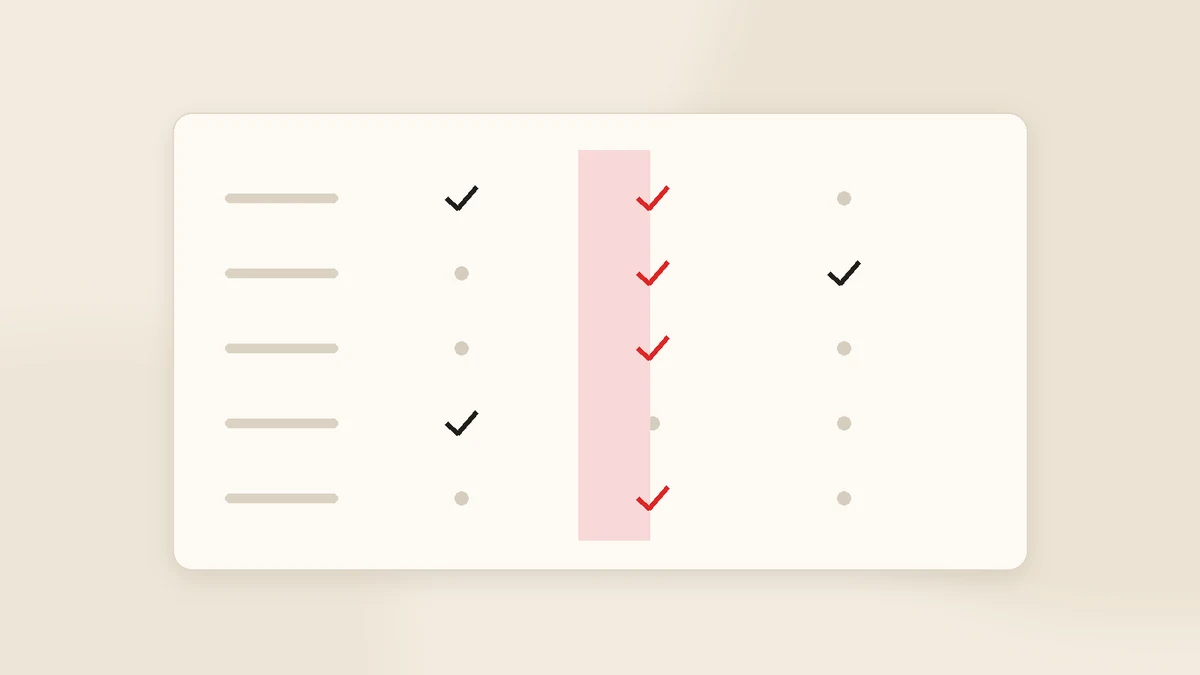
| Criterion | Off-the-shelf (SaaS) | Custom CRM |
|---|---|---|
| Time to start | Days to two weeks | 4-8 weeks for a narrow v1 |
| Upfront cost | Low | High, one-off |
| Long-term cost | Grows with headcount | Flat: hosting + maintenance |
| Workflow fit | As far as settings allow | Whatever your process is |
| Data location | Vendor's cloud | Servers you choose |
| Ownership | Licence to use (rental) | Licence + source code |
| New features | If the vendor builds them | Your roadmap |
| Risk | Low | High with the wrong supplier |
In one sentence: off-the-shelf is a low-risk rental with limited flexibility; custom is a flexible investment with a risk you have to manage. We compared the two in more depth, including when a hybrid makes sense, in custom CRM vs off-the-shelf CRM.
Which businesses actually need one?
Custom CRM makes sense when your workflow does not fit standard packages, or when per-user fees have outgrown their value. If three or more of these are true, it is worth pricing:
- Your quotes follow pricing logic of your own — square metres, tonnage, per-trip rates, tiered discounts, approval chains.
- Work continues after the sale: installation, commissioning, scheduled maintenance, shipments, progress billing.
- You have more than ten users and per-seat subscriptions have become a visible budget line.
- Customer data has to stay on infrastructure you control, for commercial or regulatory reasons.
- External users — dealers, subcontractors, clients — need their own restricted view.
- You need clean data flow with accounting, e-commerce or production systems instead of double entry.
- You already pay for a CRM, but the real work still happens in spreadsheets.
And when is it usually a waste of money? When the team is three to five people, the process is "call, quote, close", and there is no volume of data you are currently failing to track. Start with an off-the-shelf system, find out exactly where it hurts, and only then talk about building. Our guide to CRM software for small business covers that starting point.
What a custom CRM typically contains
Customer record
Company, multiple contacts, history, notes, files and every message in one place.
Quoting
Your pricing logic, templates, approvals, and a quote page the client opens from their own link.
Jobs and projects
Stages, owner, deadline, and a progress view your customer can see.
Payments
Due dates, instalments, partial payments, overdue tracking and automatic reminders.
Messaging
Email and WhatsApp sent from inside the system and logged against the customer.
Roles and reporting
Who sees what, plus the one summary screen the owner actually looks at.
On top of that sits whatever your sector needs: service tickets, vehicle assignment, sample tracking, site survey scheduling, dealer stock visibility. One warning: putting all of it into version one is the most reliable way to blow both the timeline and the budget.
Timeline and cost
A narrow first version typically takes four to eight weeks; integration-heavy or mobile-heavy projects run three to six months. On cost, published 2026 agency estimates put a basic custom CRM at roughly $15,000-$45,000, with larger builds going well beyond. Hosting, backups and maintenance are annual costs on top.
What actually moves the number: screen count, number of integrations (each one is a separate piece of work), role complexity, mobile requirements, whether external users get a portal, and how messy the data you are migrating is. Our custom software development cost guide breaks down rates and models by region.
A practical rule: keep version one below half of what you imagine the full system to be. Spend the rest after people have used it — a meaningful share of pre-launch assumptions turn out to be wrong.
Risks, and the clauses that manage them
The real risk in a custom project is not technical. It is communication breaking down halfway, scope quietly growing and post-launch support being undefined. All three are handled in the contract.
- Write the scope down. Not "a CRM will be built" — which screens, which fields, which integrations, and explicitly what is out of scope.
- Insist on staged delivery. A working version every two weeks. Three months of silence is a failing project.
- Own the code and the servers. Hosting accounts in your name, database exports available on request.
- Define support. How many months of bug fixing are included, and what new work costs afterwards.
- Avoid single-person dependency. Documented, conventional code so another developer can pick it up.
The full checklist for evaluating a supplier is in how to build a custom CRM.
Five questions before you commit
- Have we genuinely trialled an off-the-shelf CRM in the last six months, or only dismissed the idea?
- Which three steps of our process fit no standard package? Write them down — if you cannot name three, you do not need a custom build.
- Over three years, which is cheaper: subscriptions or a one-off build?
- Who owns this internally? A CRM project without a named owner stalls.
- What three things in version one would make us call it a success?
How we approach it at Gurizon
For most small and mid-sized companies we do not recommend building from scratch. We install the KurumsalCRM core — customer records, quoting, job tracking, payment follow-up and in-app email and WhatsApp — and build your specific workflow on top of it. The team sees a working system in the first week, and feedback comes from real use rather than imagination. There are no per-user fees and the system runs on your own server. You can see the scope on our CRM software page.
When the requirement grows past CRM, it becomes a custom software development project. If you are working with a team abroad, our guide to nearshore development in Turkey covers time zones, contracts and data transfer.
Conclusion
Custom CRM is not "better CRM". It is CRM that fits. If nothing about your process resists a standard package, subscribe to one and get on with your day. But if your team works around the software every single day, the cost of lost deals and wasted hours is almost certainly higher than a one-off build.
Not sure which side you are on? Describe your process in a few lines and we will tell you honestly whether an off-the-shelf system would do the job. Get in touch here.
Frequently asked questions
What is custom CRM software?
How is custom CRM different from off-the-shelf CRM?
How long does it take to build a custom CRM?
How much does custom CRM software cost?
Do I own the source code?
Does a small business need a custom CRM?
Related guides
Company Management Software: CRM, ERP and Accounting Explained
Company management software is not one product but a small group of them. Here is what each type actually solves, the order most growing businesses should buy in, and when "one system for everything" is a trap.
Read the guide
CRM Data Migration from Spreadsheets: A Practical Checklist
Most CRM projects stumble at migration, not at the software. How to decide what to move, clean a messy spreadsheet, import safely and keep the team on the new system for the first thirty days.
Read the guideWant to put this into practice?
Tell us about your project and get a written, fixed-price proposal within 24 hours. No sales pressure — if we are not the right fit, we will say so.